Choosing a template
How the catalogue is organised, what the availability states mean, and how to pick without buying twice.
UT Studio6 min read
The catalogue is organised along three axes, and knowing which one you are searching saves the most time.
Category, use case, technology
| Axis | Answers | Example |
|---|---|---|
| Category | What kind of thing is this? | Healthcare, Finance, Logistics |
| Use case | Will it do my job? | CRM, patient portal, design system |
| Technology | Does it fit my stack? | Next.js, React, Tailwind CSS |
Most people arrive with a use case — "I need a CRM" — rather than a category, which is why the catalogue leads with the question rather than the taxonomy. A product belongs to exactly one category and as many use cases as it genuinely serves.
Read the availability state before the price
Every product shows one of three states, derived from its own release record rather than written beside it. The distinction matters more than anything else on the page.
| State | Means | What you can do today |
|---|---|---|
| Available | A published release carries a downloadable archive | Buy and download immediately |
| Preview only | The template is deployed and browsable; no archive is published yet | Open the live preview; a licence covers the first release when it lands |
| Coming soon | No release and no preview | Nothing yet |
Preview only is not a download
A preview-only product is a complete, deployed template you can click through in full — but there is no archive to download yet. The product page says so above the price rather than below it. If you need files today, filter the catalogue by availability.
Use the live preview properly
Every template links a deployed preview, and the preview is the real thing rather than a screenshot reel. Three things are worth doing in it before you buy:
- Open it on a phone. Responsive behaviour is where templates most often disappoint, and it is the fastest thing to check.
- Visit the boring pages. Anyone can make a home page look good. Look at a settings screen, a table, an empty state, a long form.
- Tab through it. If focus is invisible or the order is wrong, that is a rewrite you will inherit.
When a kit is the better answer
The catalogue holds two sorts of thing. Templates are complete front ends for a specific business. Kits are foundations — authentication, a component library, a multi-tenant SaaS shell — meant to be built on rather than filled in. If the thing you are building has no obvious equivalent in the catalogue, a kit plus your own screens usually beats bending a template that was designed for a different business.
Three that answer different questions
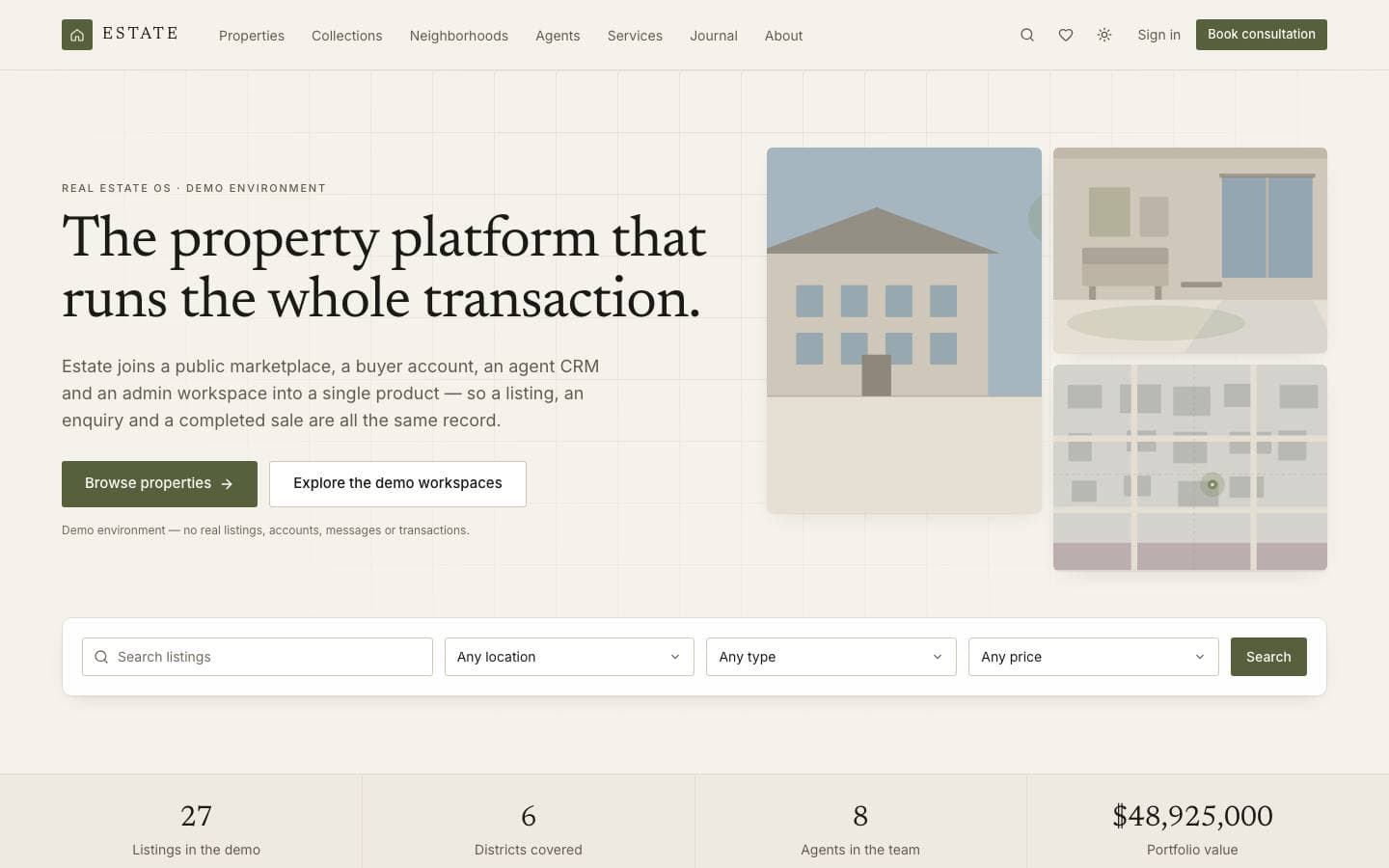
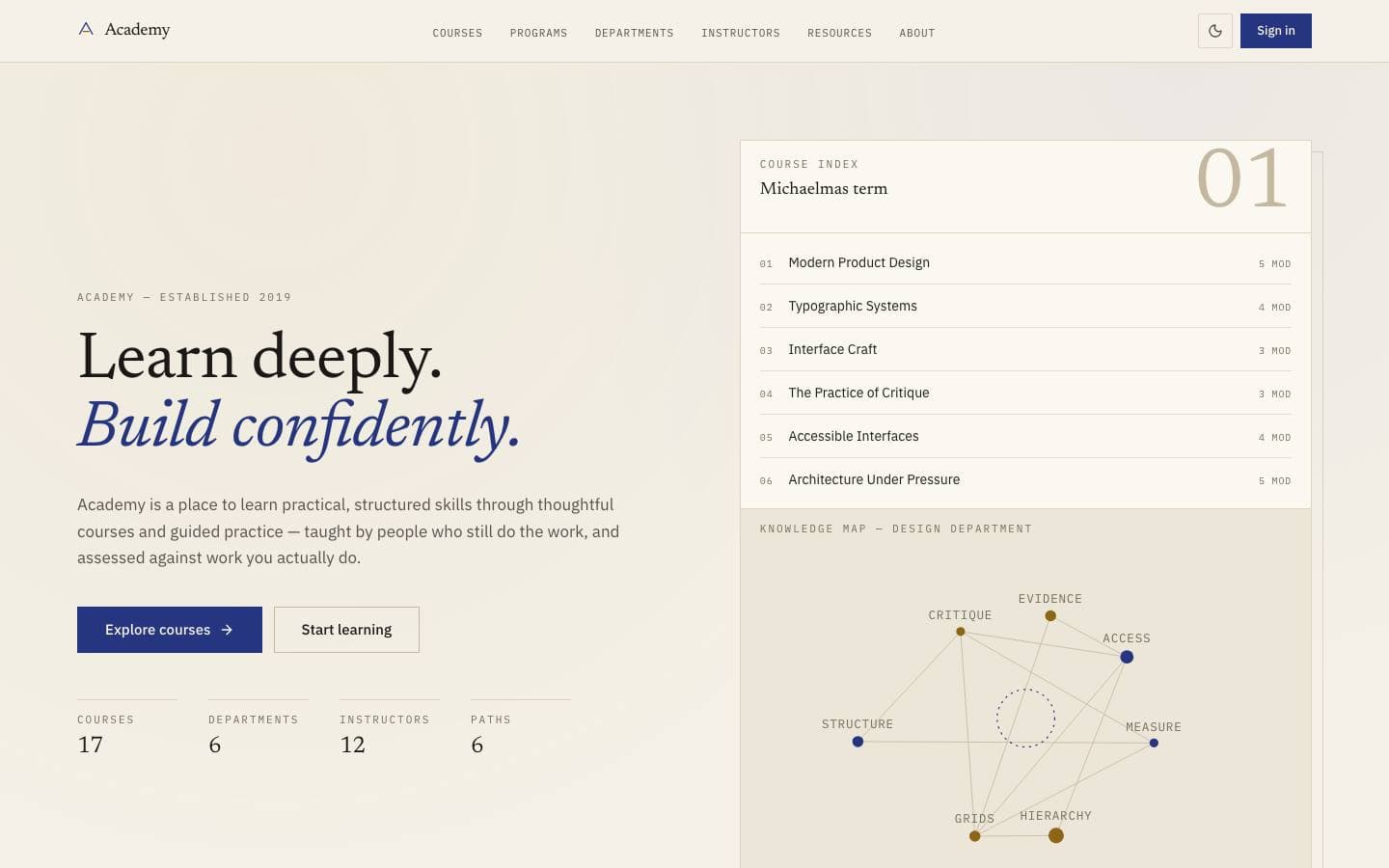
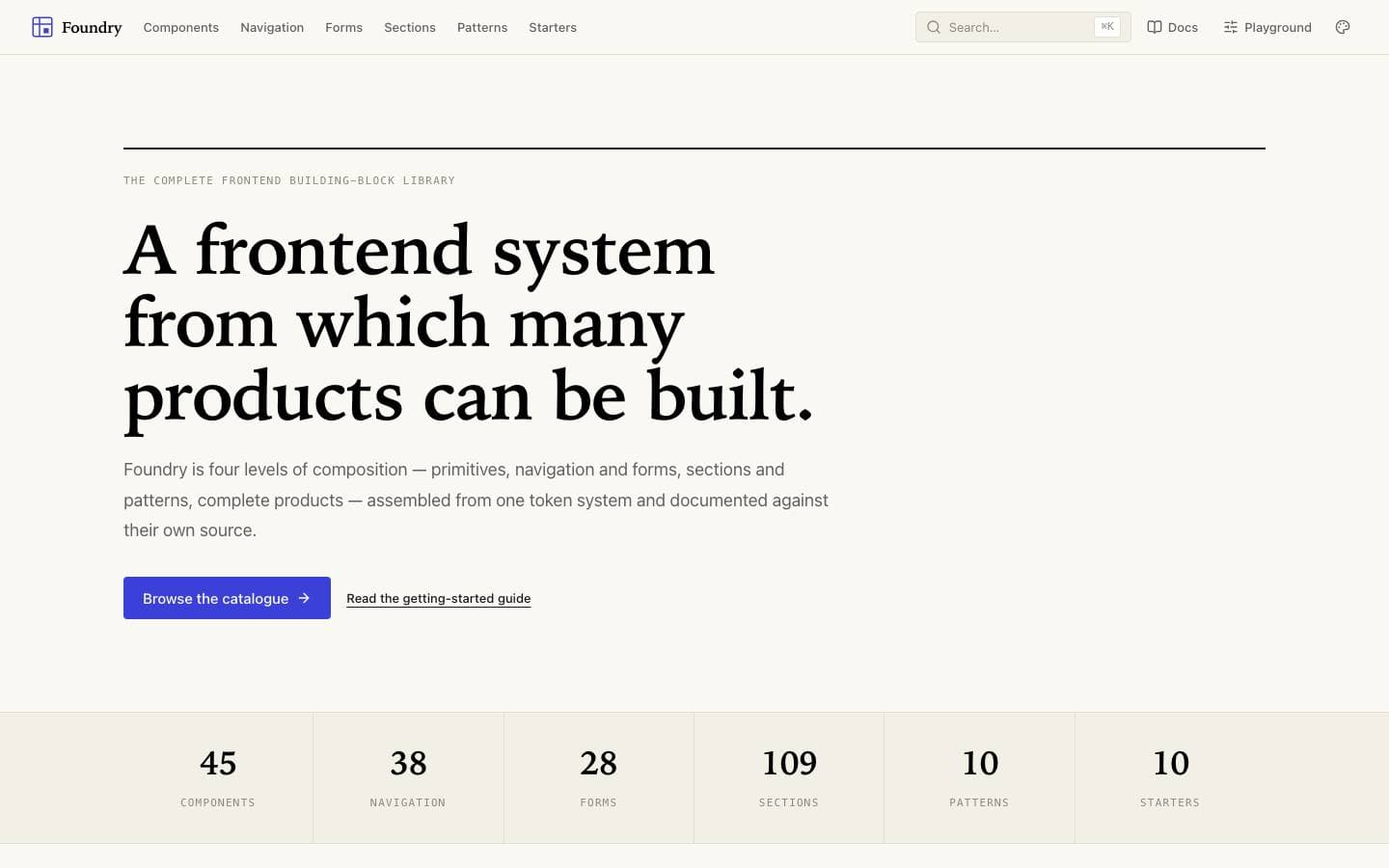
Templates mentioned here
Everything above is written against real products. These are the ones this page draws on.