1.0.0
Initial commercial release
- addedInitial commercial release
Learning platform with courses, paths and separate student, instructor and admin workspaces
Preview only — not yet on sale.
Pro licence · what that covers
What this template is for. Each one is a filter in the catalogue, so the products beside it solve the same problem.
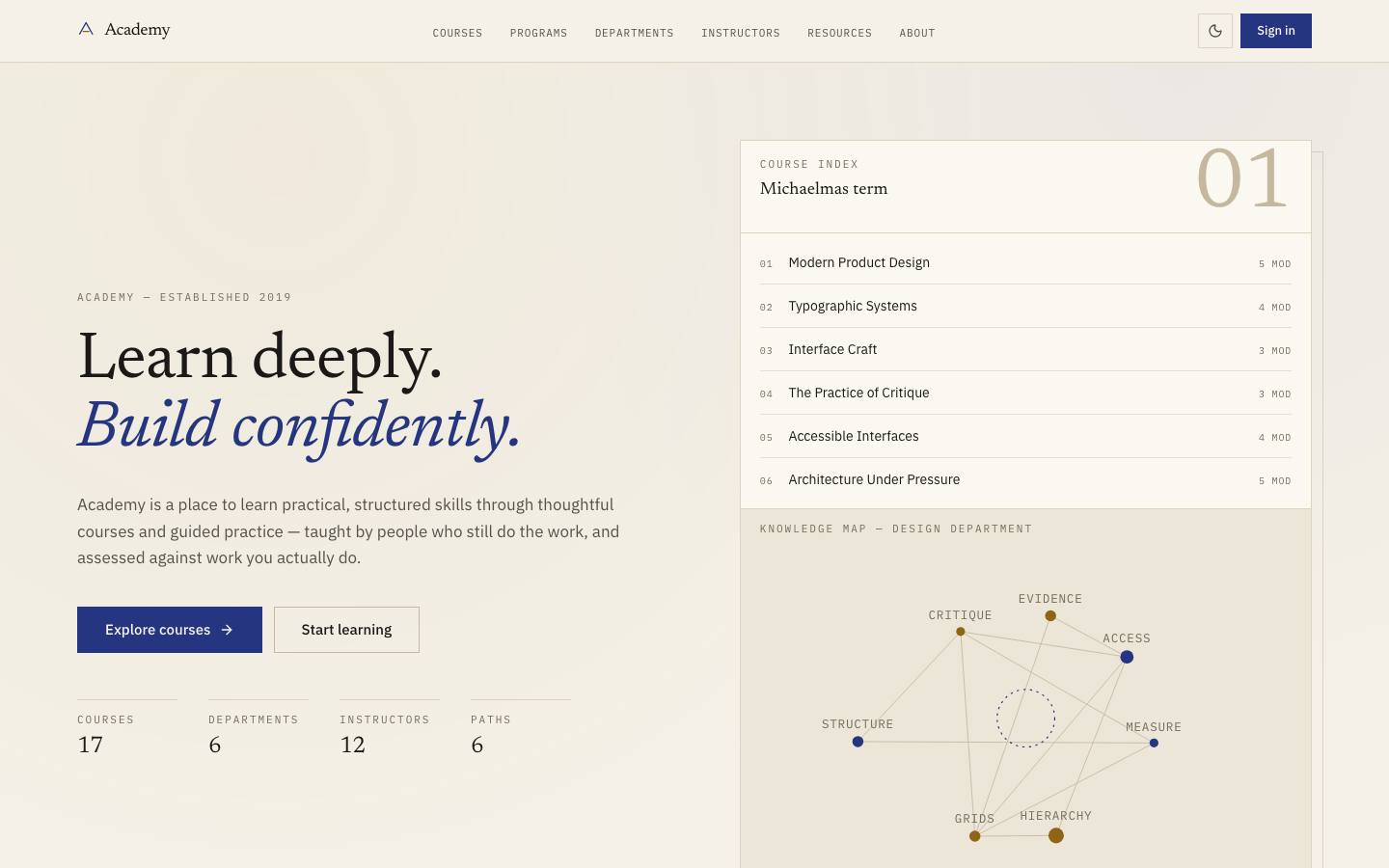
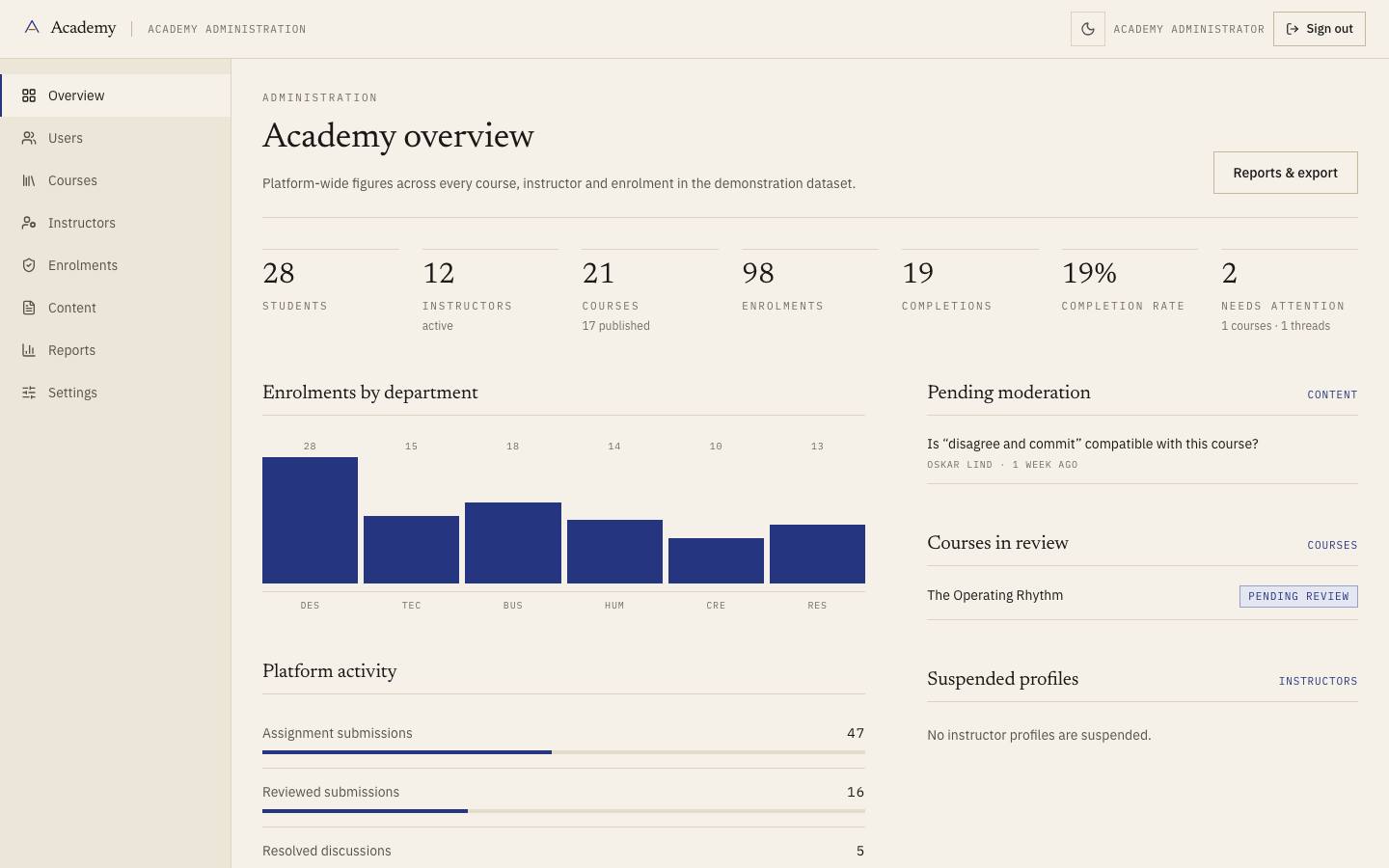
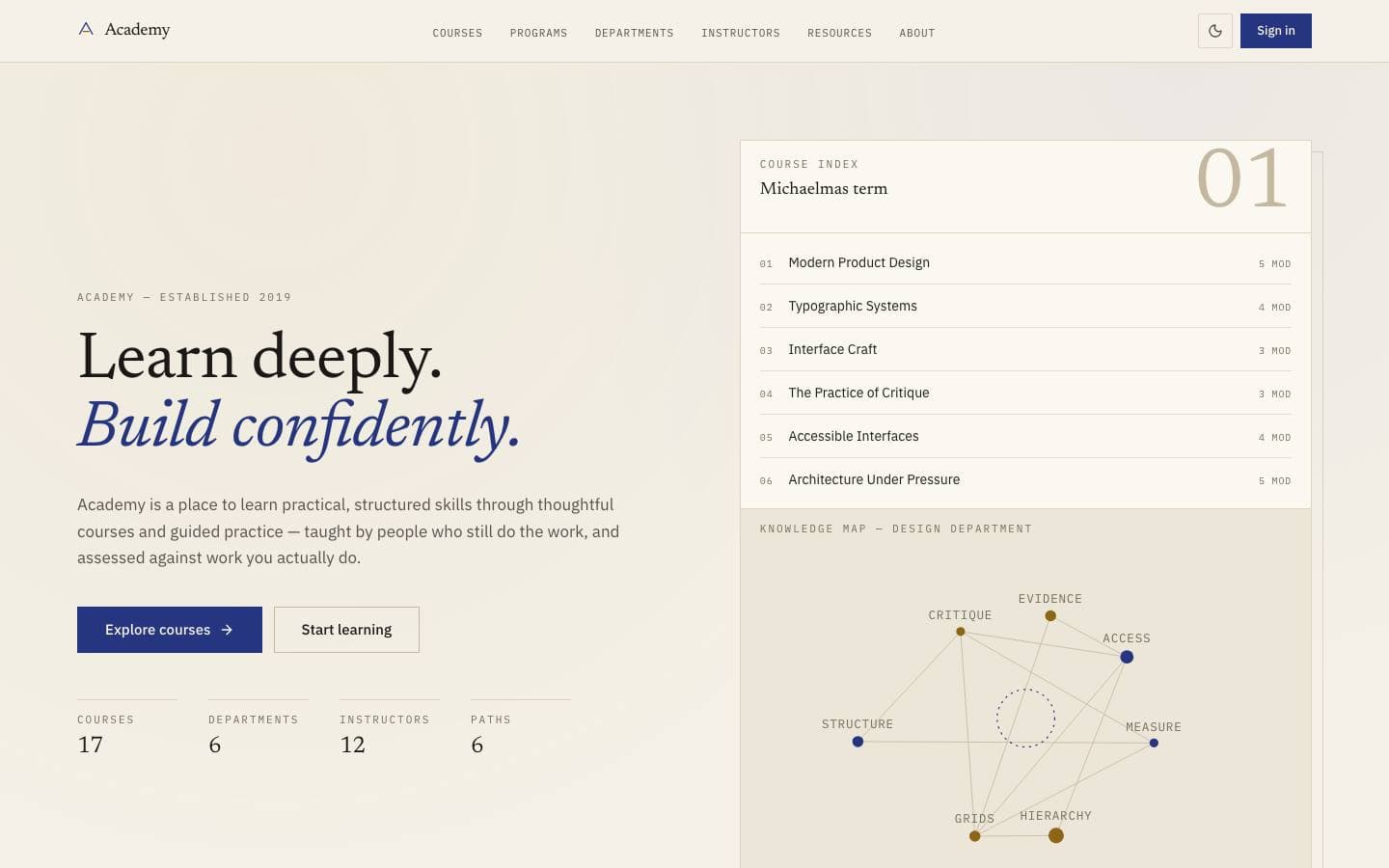
Academy is a learning platform for courses that expect work rather than watching: read, then do, then be assessed honestly. Twenty-one courses across six departments, modelled with lessons, durations and practice, plus three real workspaces — student, instructor and administrator — over the same enrolment records. Completion is recorded rather than congratulated.
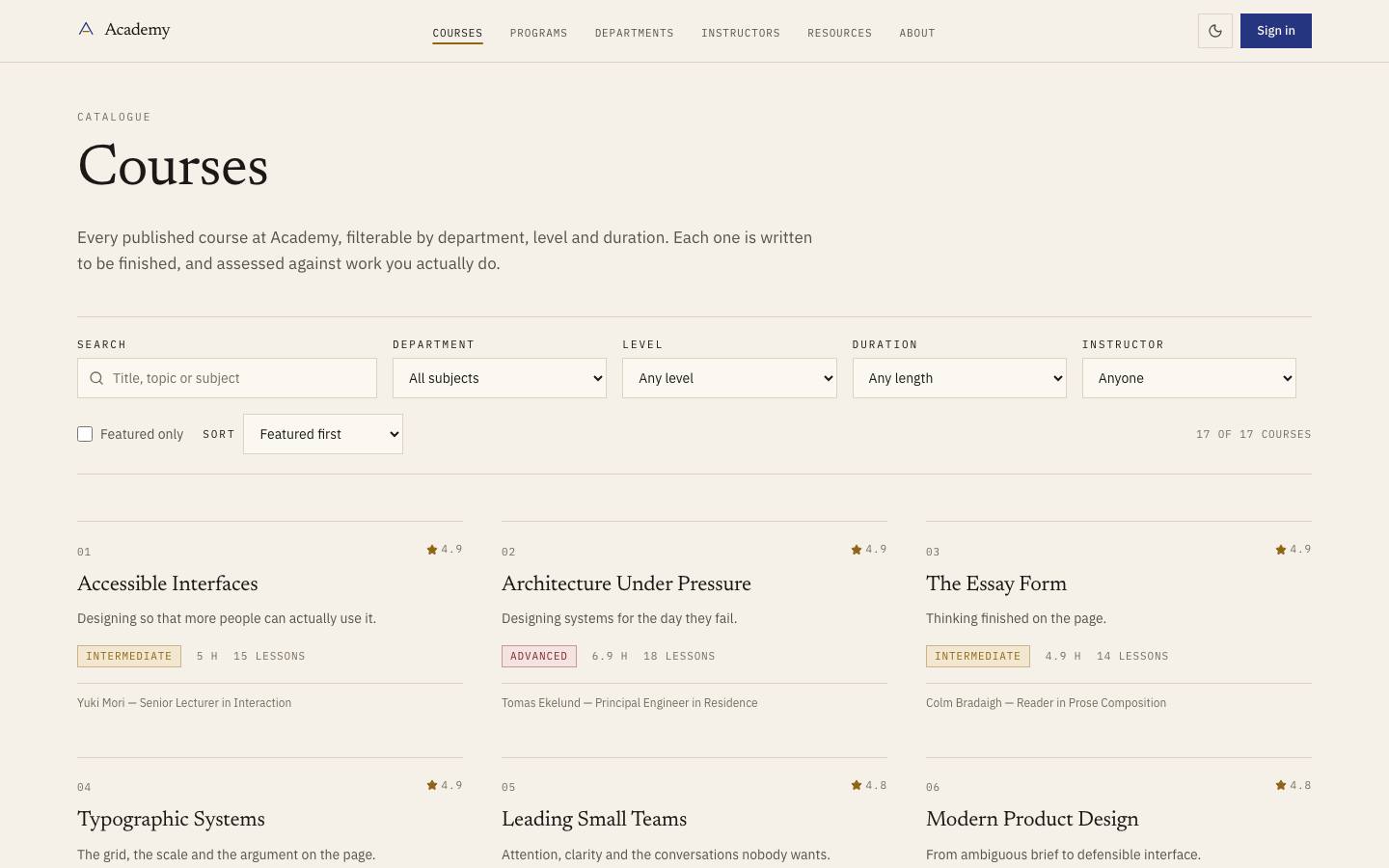
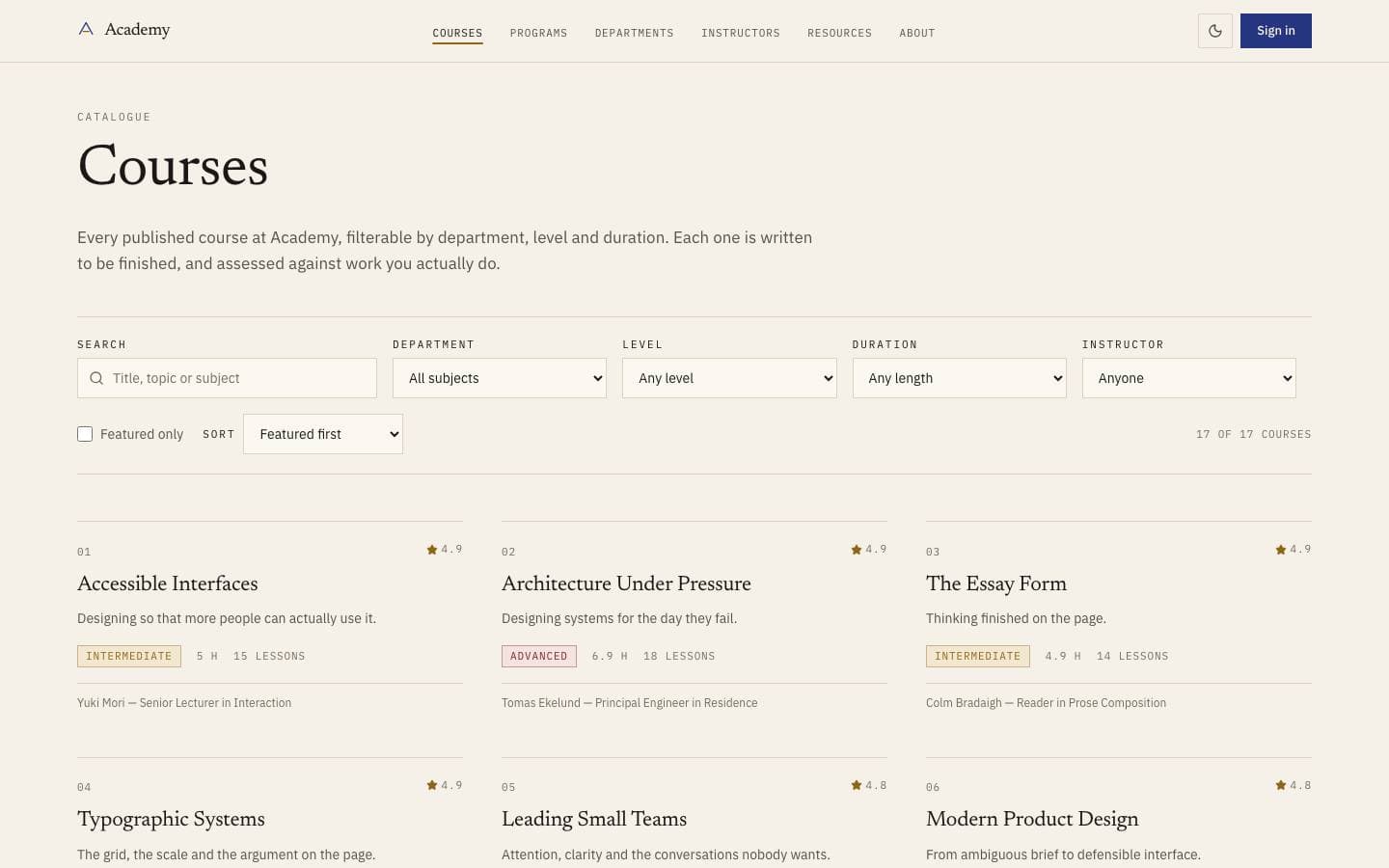
Twenty-one courses across six departments, modelled with modules, lessons and honest durations.
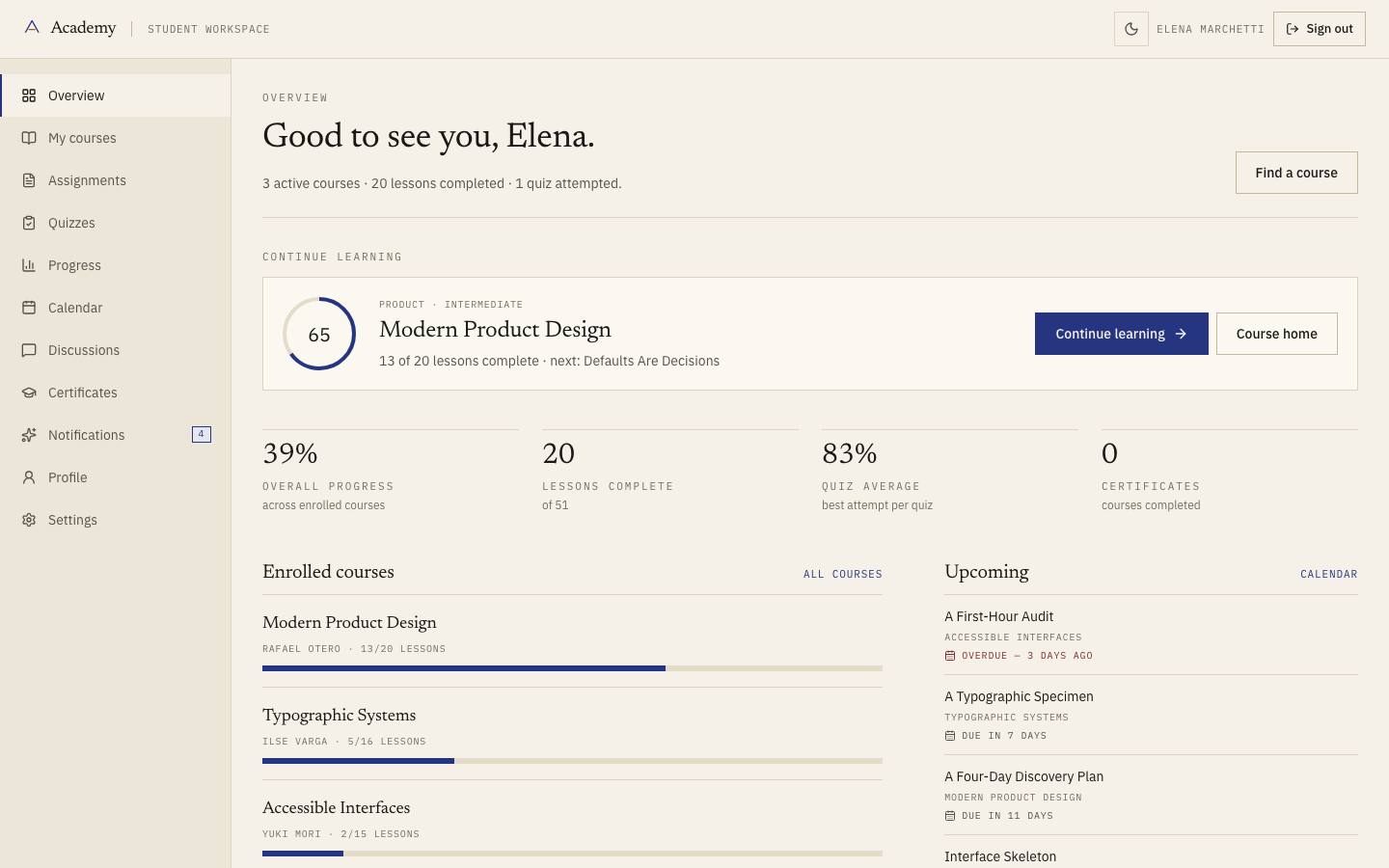
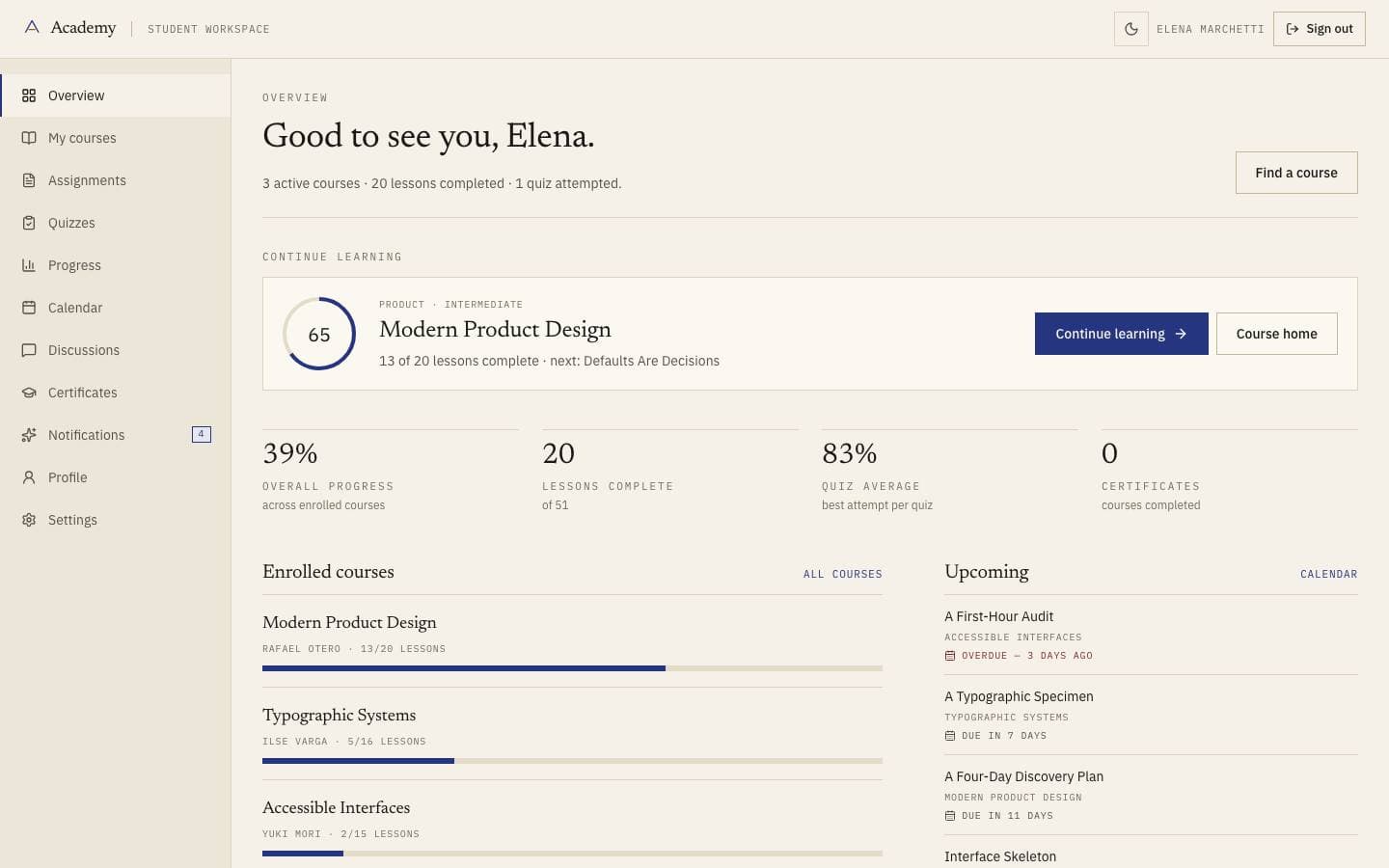
Enrolled courses, assignments, quizzes and recorded progress.
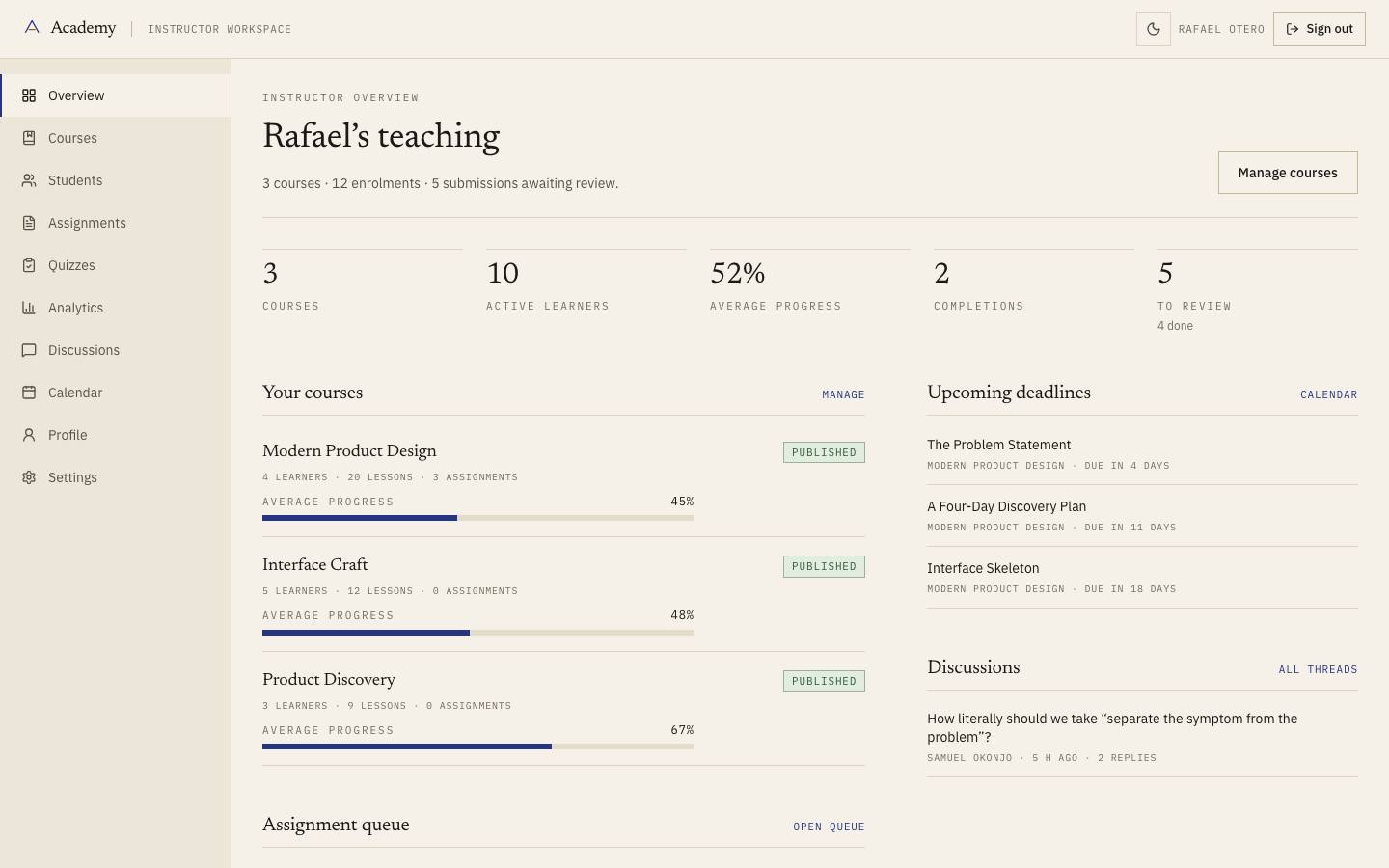
Course management, submission review and cohort analytics over the same enrolment records.
Users, course status, enrolments and platform reporting.
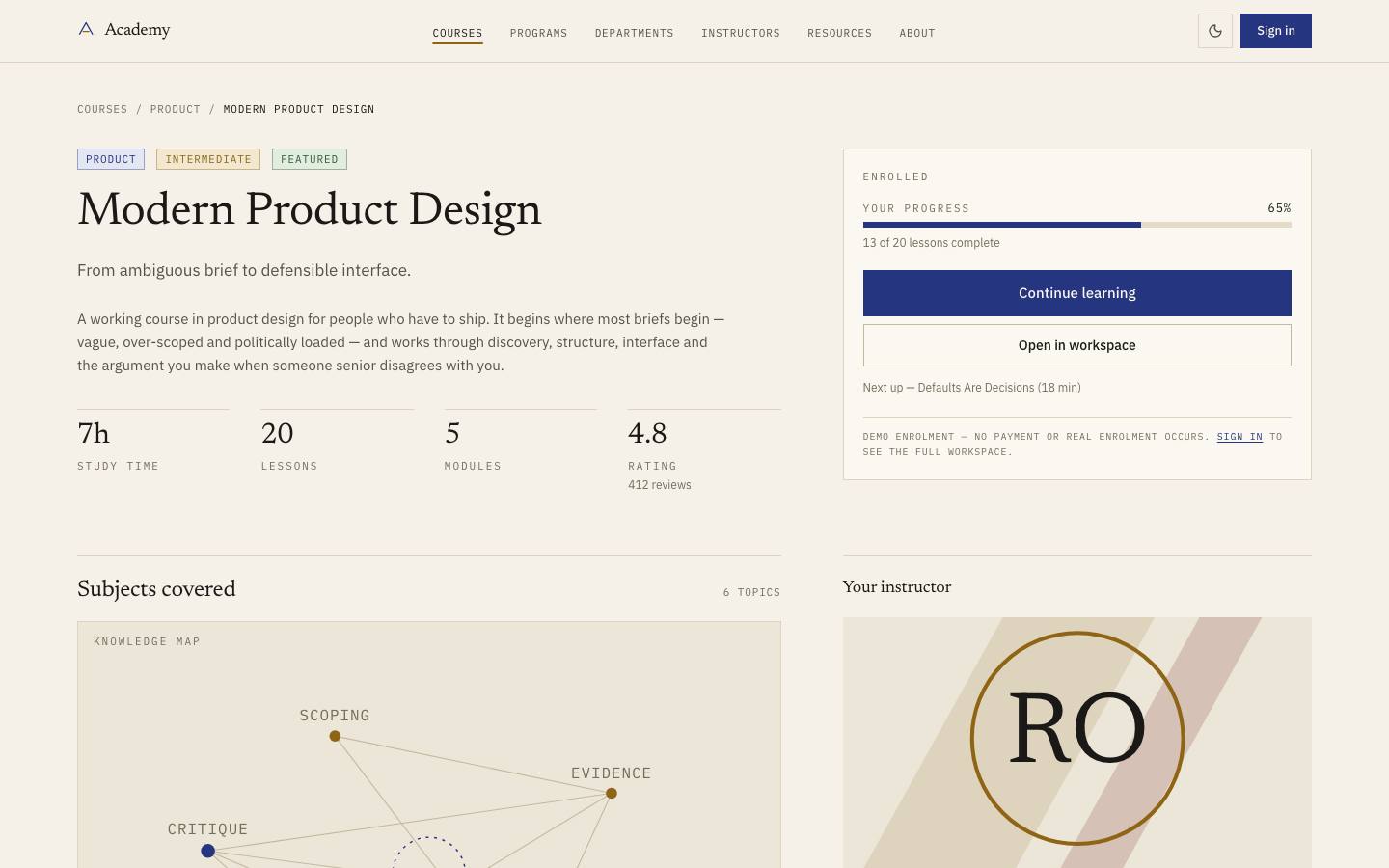
Every screen below is the deployed template, captured from its own live preview.
01
Twenty-one courses across six departments, modelled with modules, lessons and honest durations.
02
Enrolled courses, assignments, quizzes and recorded progress.
03
Course management, submission review and cohort analytics over the same enrolment records.
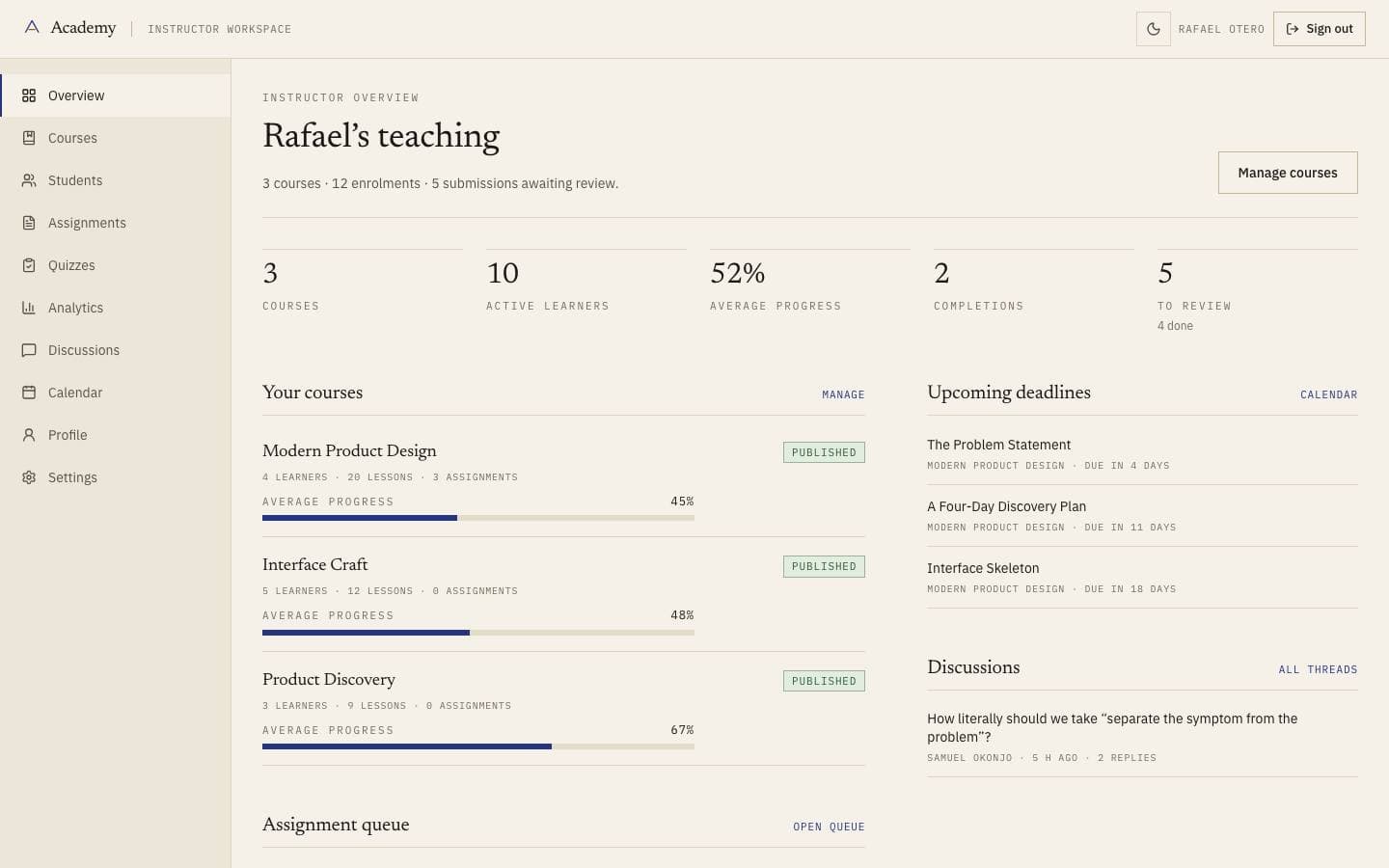
04
Users, course status, enrolments and platform reporting.
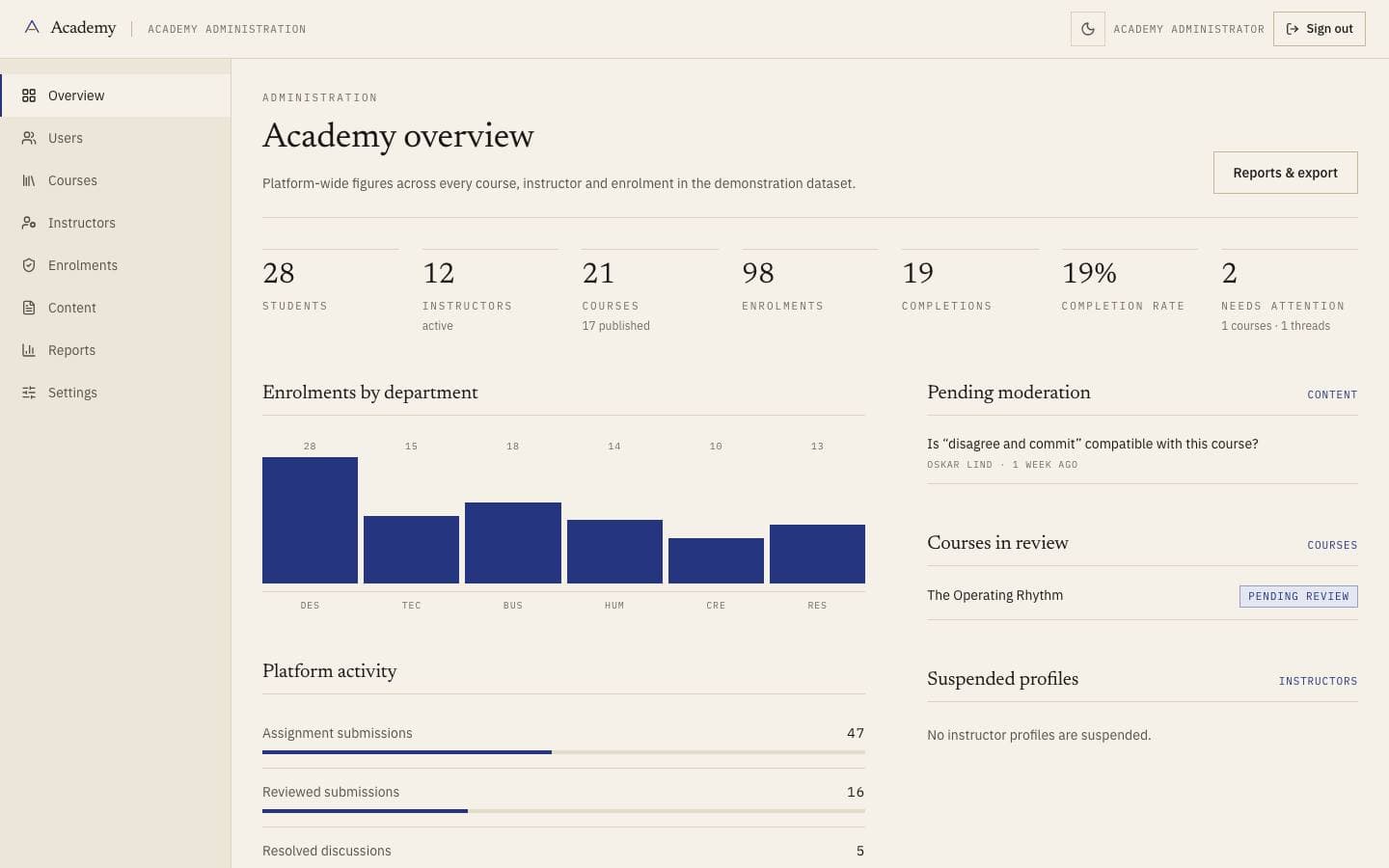
Every line above is read from this product’s own licence and release record rather than written beside it, so it cannot promise something the release does not contain.
Course, lesson, path and enrolment are the whole model. The student workspace, the instructor view and the admin console are projections of it with different permissions, which is why progress cannot be reported differently in two places. Departments and paths are groupings over courses rather than copies of them.
Course ──< Lesson
   │
   └──< Enrolment ──┬──▶ Student workspace
                    ├──▶ Instructor view
└──▶ Admin consoleacademy/
├── app/
│ ├── page.tsx
│ ├── courses/[slug]/page.tsx
│ ├── programs/page.tsx
│ ├── departments/page.tsx
│ ├── student/page.tsx
│ ├── instructor/page.tsx
│ └── admin/page.tsx
├── components/
└── content/The archive contains the full source. There is no installer and no post-install script.
unzip academy.zip
cd academypnpm installCopy the example file and fill in the variables listed under Environment variables.
cp .env.example .envpnpm devRuns formatting, lint, type-check, tests and a production build.
pnpm check| Variable | Required | Description |
|---|---|---|
DATABASE_URL | Required | PostgreSQL connection string. Use a pooled endpoint in serverless environments.postgresql://user:pass@localhost:5432/app |
NEXT_PUBLIC_APP_URL | Required | Absolute origin of the deployment. Used for canonical URLs and metadata.https://app.example.com |
LOG_LEVEL | Optional | debug | info | warn | error. Defaults to info in production. |
Zero-config. Set the environment variables listed above and connect the repository.
A multi-stage Dockerfile is included, producing a standalone image with no build toolchain.
Builds to a standard Node server. Nothing depends on a platform-specific runtime.
| Technology | Versions | Status |
|---|---|---|
| Next.js | ≥ 15 | Supported |
Initial commercial release
Initial commercial release
Documentation ships with the first release.
No. Lessons are structured content with a slot for whatever player you use. Video hosting is a recurring cost and a vendor decision, and making it for you would be the choice most likely to be wrong.
Curated by us, not inferred — these are the ones that genuinely pair with it.
Products that share a framework with this one.
Documentation and guides that use this template as their example.