How to choose a production-ready frontend template
Nine checks that separate a template you can ship from one you will rewrite, and how to run them in twenty minutes.
UT Studio9 min read
Most template regret is bought in the first twenty minutes and paid off over the following six months. The screenshots are the part designed to sell; almost everything that decides whether you keep the thing is visible in the live preview if you know where to look.
Here is the sequence worth running before you spend anything. It takes about twenty minutes and it is mostly clicking.
1. Open the preview on a phone
Not the responsive mode in devtools — an actual phone, or at minimum a 390px viewport. Responsive behaviour is where templates most often turn out to be desktop layouts squeezed smaller: navigation that becomes a wall of links, tables that scroll the whole page sideways, cards that lose their proportions.
If the mobile experience was an afterthought for the author, it becomes a rewrite for you, and it is the single most expensive thing on this list to fix later.
2. Visit the boring pages
Every template has a beautiful home page. That is the one the author spent the most time on and the one you will spend the least time in. Go and look at:
- A settings screen, or any form with more than six fields.
- A data table with enough rows to need pagination.
- An empty state — a search with no results, a list with nothing in it.
- An error state, if you can provoke one.
- A long article or detail page, where typography has to hold up for more than three paragraphs.
These are where you will actually live. A template that has thought about its empty states has usually thought about everything else.
3. Tab through it
Put the mouse down and press Tab repeatedly. You are checking three things: that every interactive element is reachable, that the focus indicator is visible when it lands, and that the order matches the visual layout.
Invisible focus is a rewrite, not a tweak
A template with `outline: none` and no replacement has usually removed it in dozens of places. Restoring it consistently across a whole component set is a genuine project.
4. Read the stack, then check the versions
A template that says "React" without a major version is telling you something. Look for the specific versions it declares, and compare them against what you are running. A template one major version behind is a manageable upgrade; two is often a fork.
5. Ask where the copy lives
This is the question that predicts customisation cost better than any other. If the words are hard-coded inside components, every content change is a code change, translation is a rewrite, and a CMS migration later is a rebuild.
// Good: content is data, separate from the component that renders it.
export const HERO = {
  heading: 'Build faster with templates made for real products.',
  body: 'Complete applications rather than landing pages.',
} as const;
6. Check how theming is done
Look for a token layer — a single place where colour, spacing, radius and type scale are defined. If changing the brand colour means editing components, you will be editing components forever, and the dark theme will drift out of step within a month.
7. Understand the licence before you like the design
Three questions decide whether a licence fits: may you use it for client work, how many developers may touch the source, and what happens when the update window closes. Get those answers in writing before the design convinces you.
| Question | Answer you want | Answer that should stop you |
|---|---|---|
| Client work? | Explicitly permitted | Unclear, or "contact us" |
| Seats | A stated number, reassignable | Undefined |
| After the window | Everything downloaded stays yours | Access ends with the subscription |
8. Look for a checksum
A published SHA-256 for each release is a small thing that signals a serious pipeline. It means releases are immutable and verifiable, which in turn means the version you audit is the version you deploy.
9. Decide what you are actually buying
The honest framing: you are buying a coherent set of decisions, already made and already consistent. You are not buying a finished product, and any template that claims to be one is describing a page rather than an application.
Twenty minutes against six months
Every check here is cheap now and expensive later. The asymmetry is the whole argument for running them.
Templates worth running the checklist against
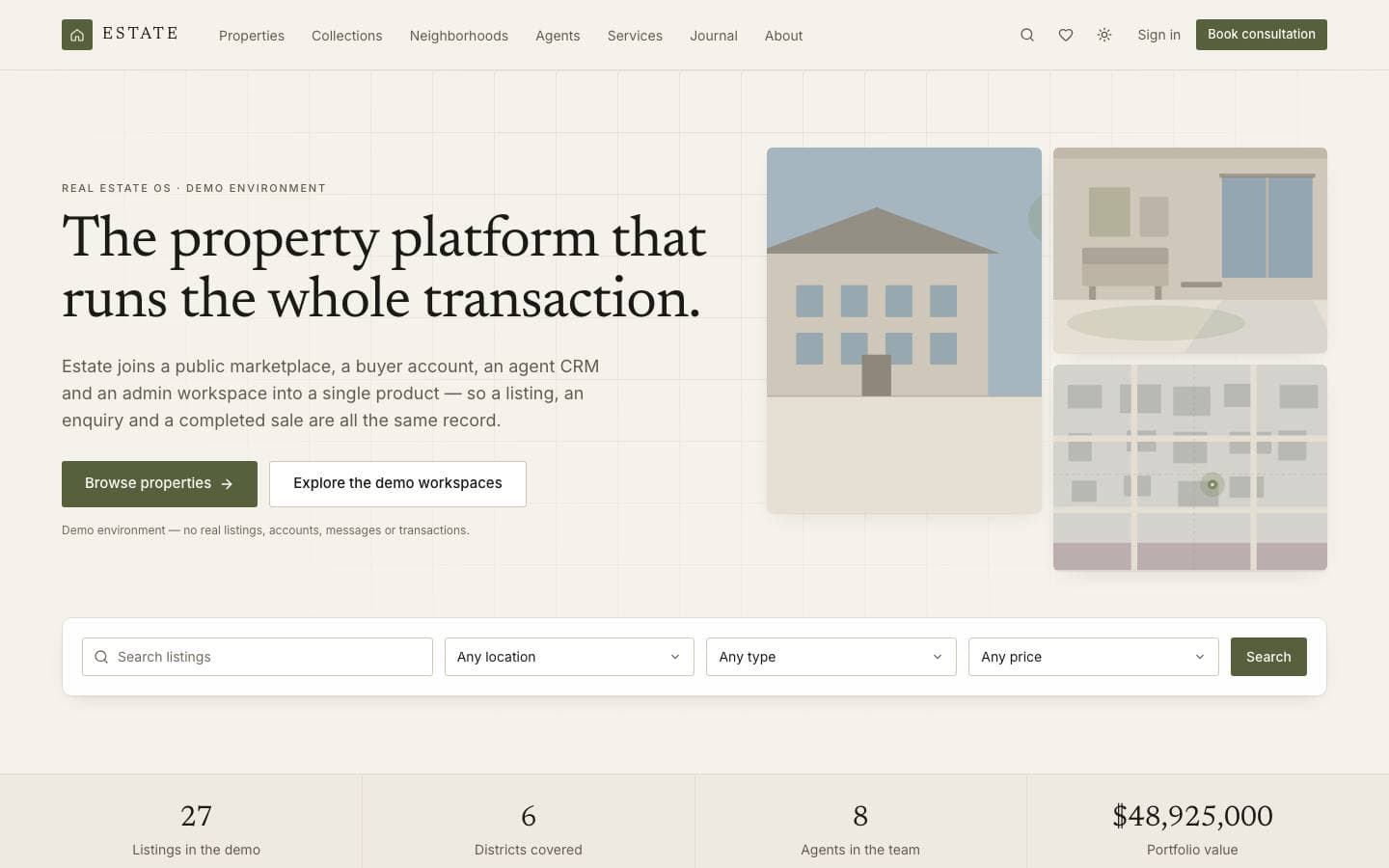
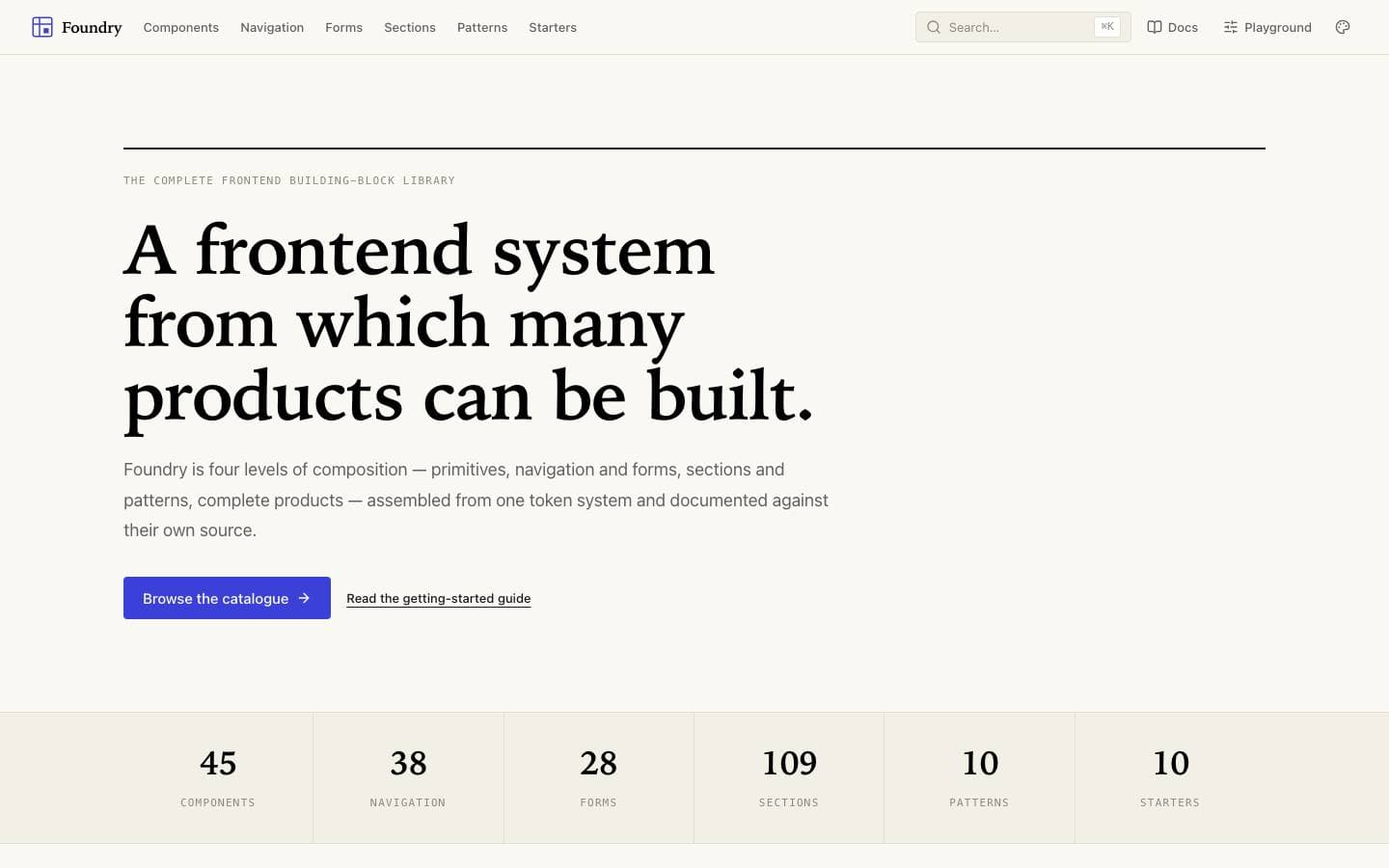
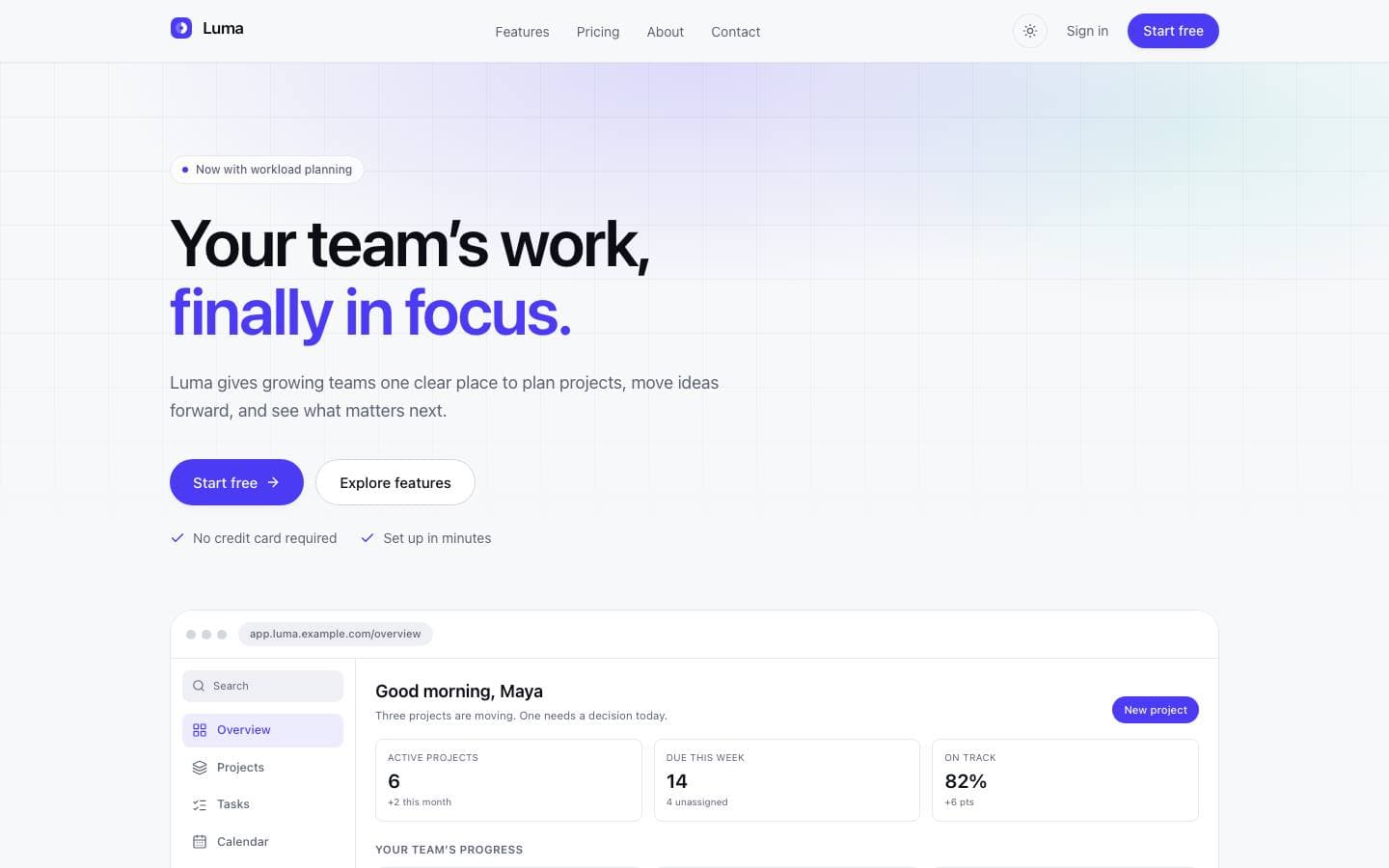
Three different shapes: a full application with several workspaces, a design system, and a product marketing site.
Templates mentioned here
Everything above is written against real products. These are the ones this page draws on.