1.0.0
Initial commercial release
- addedInitial commercial release
Shipment tracking and delivery operations, from public tracking to the operations desk
Preview only — not yet on sale.
Pro licence · what that covers
What this template is for. Each one is a filter in the catalogue, so the products beside it solve the same problem.
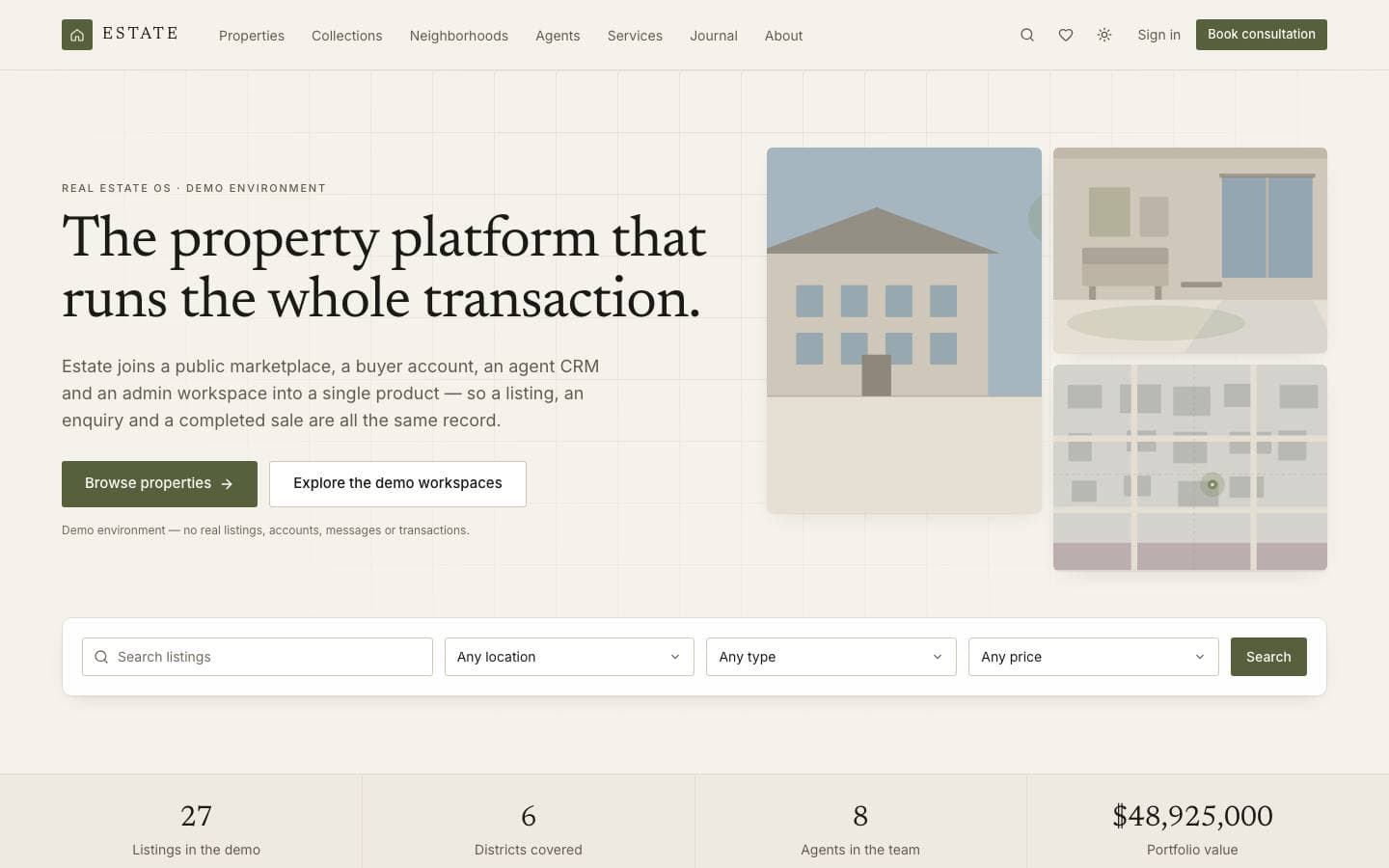
Parcel covers both halves of a delivery business: the tracking page a recipient opens on a phone, and the workspace the people moving the boxes live in. One shipment model serves both, so a scan becomes a route, a route becomes a status, and the status explains itself in language a customer can read. Seven stages, five service levels and a coverage network are modelled rather than illustrated.
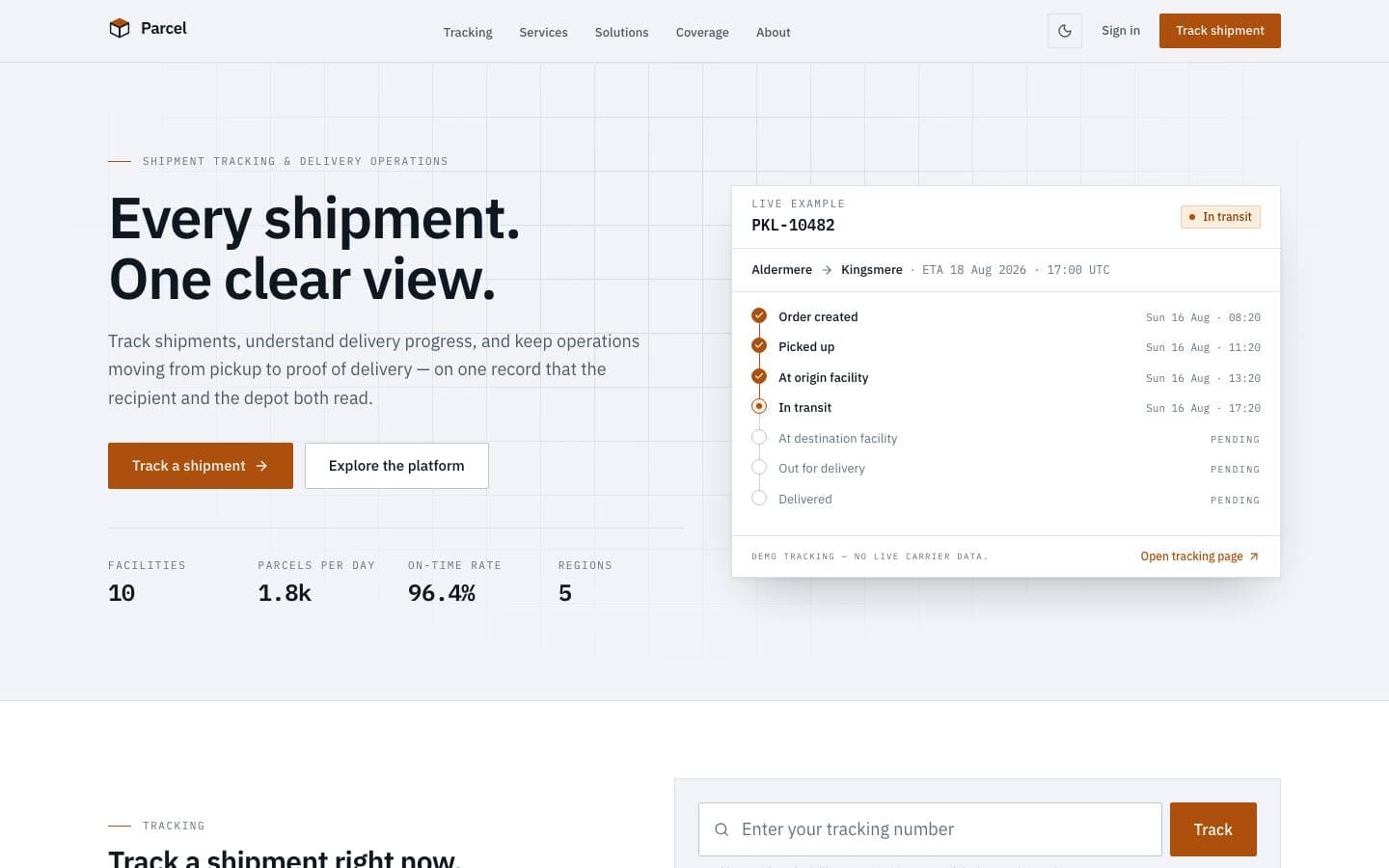
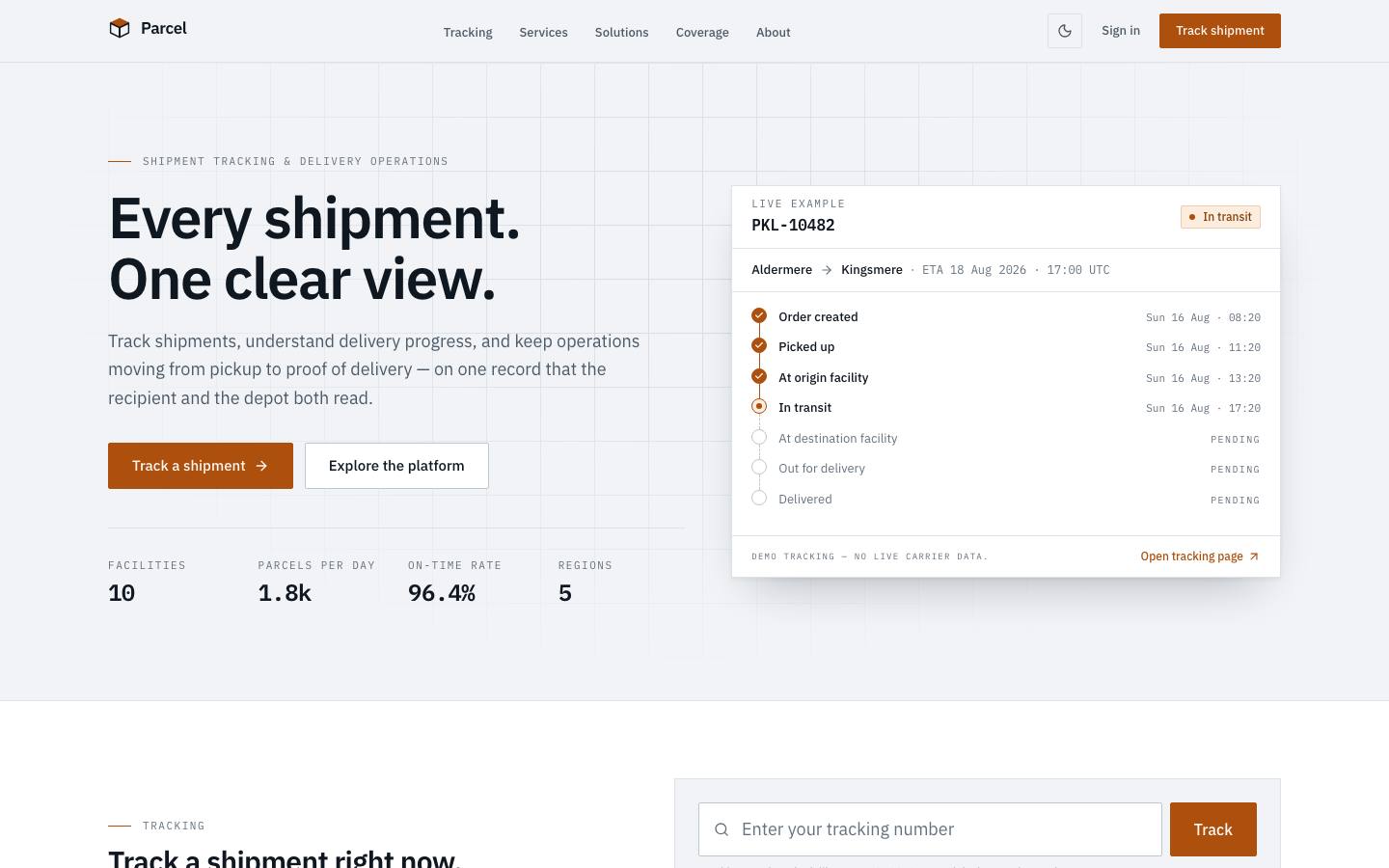
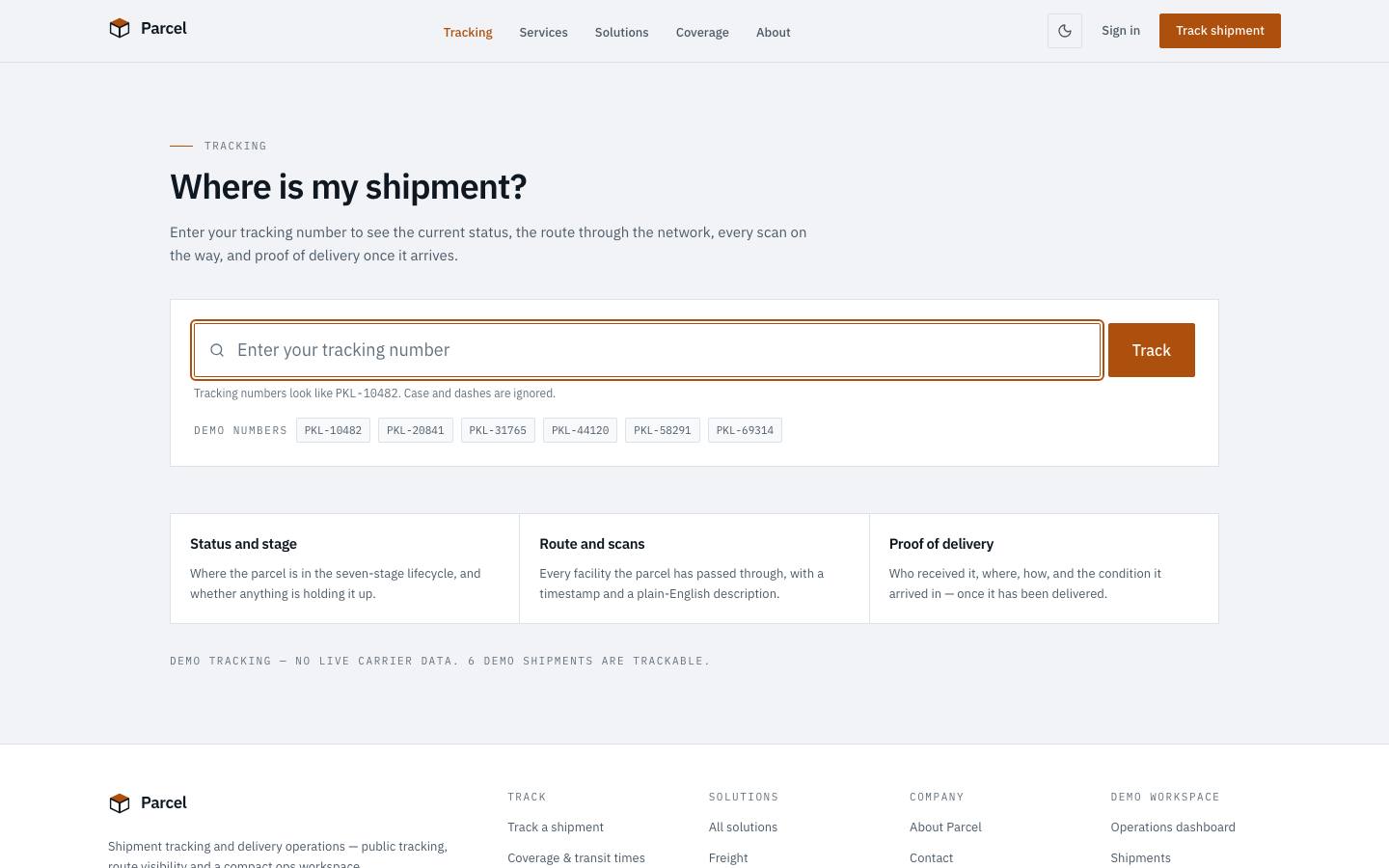
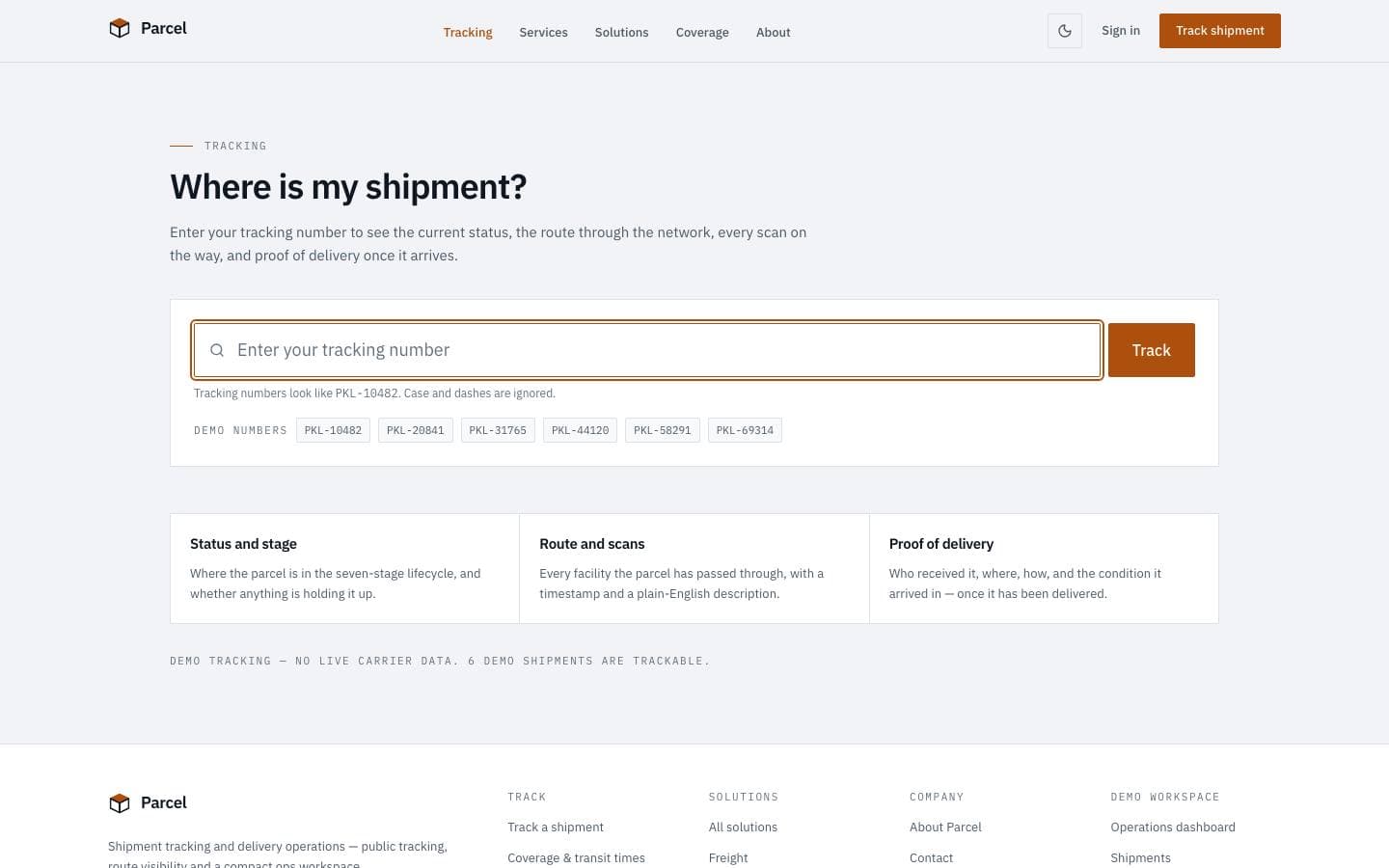
A tracking number becomes a readable answer: seven stages, a route drawn from scans, and a status line without jargon.
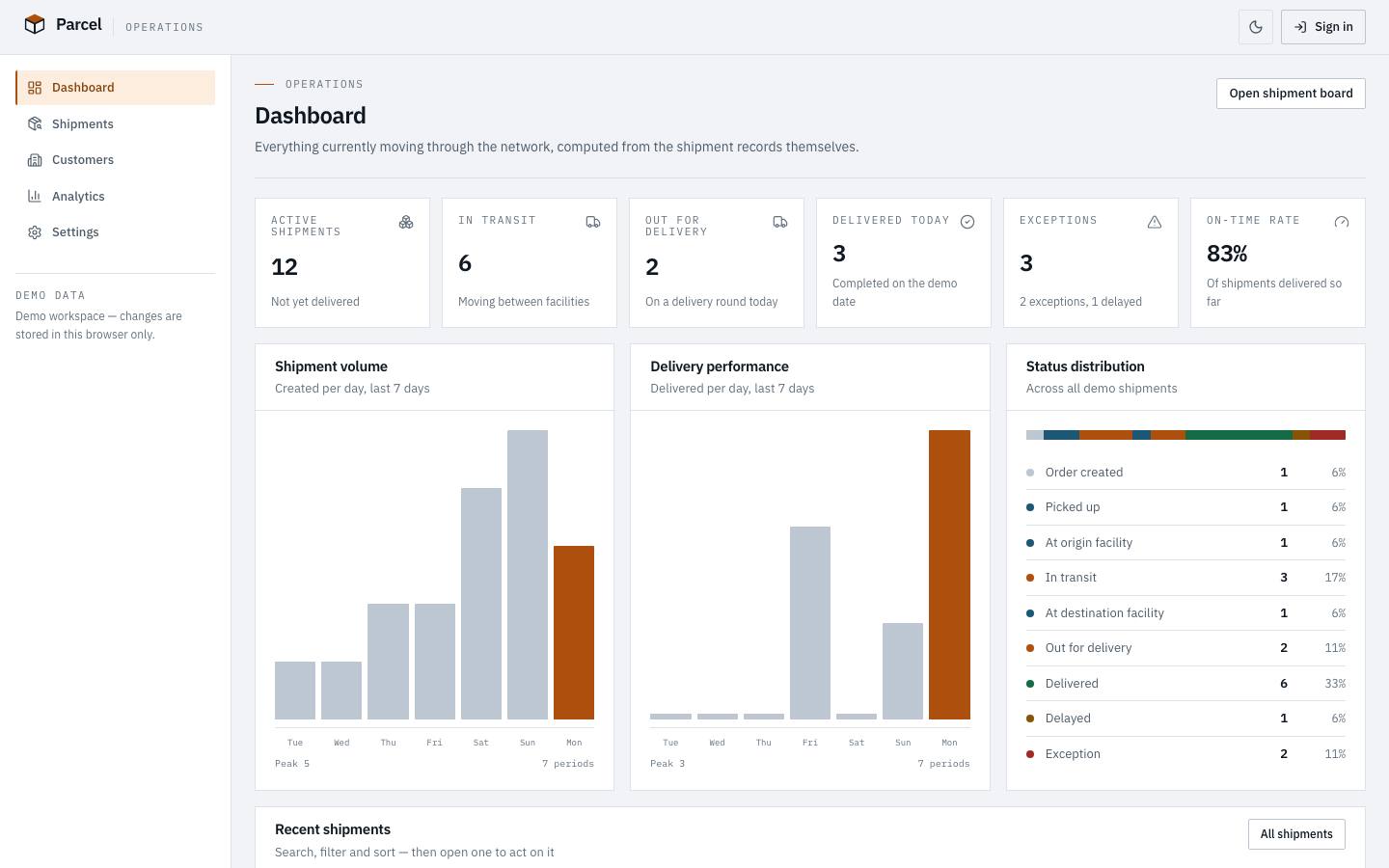
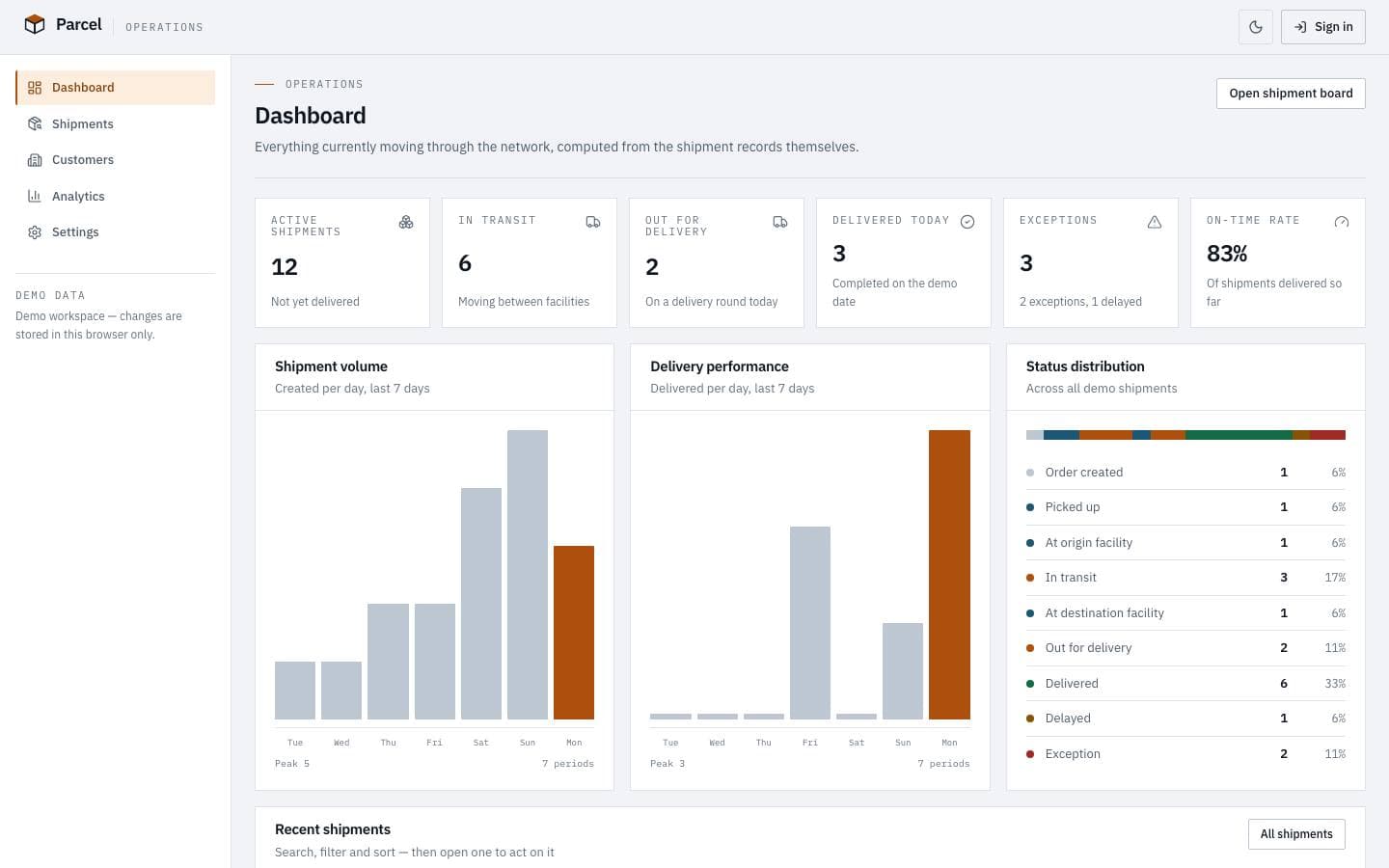
The workspace the people moving the boxes live in — volumes, exceptions and delivery performance in one view.
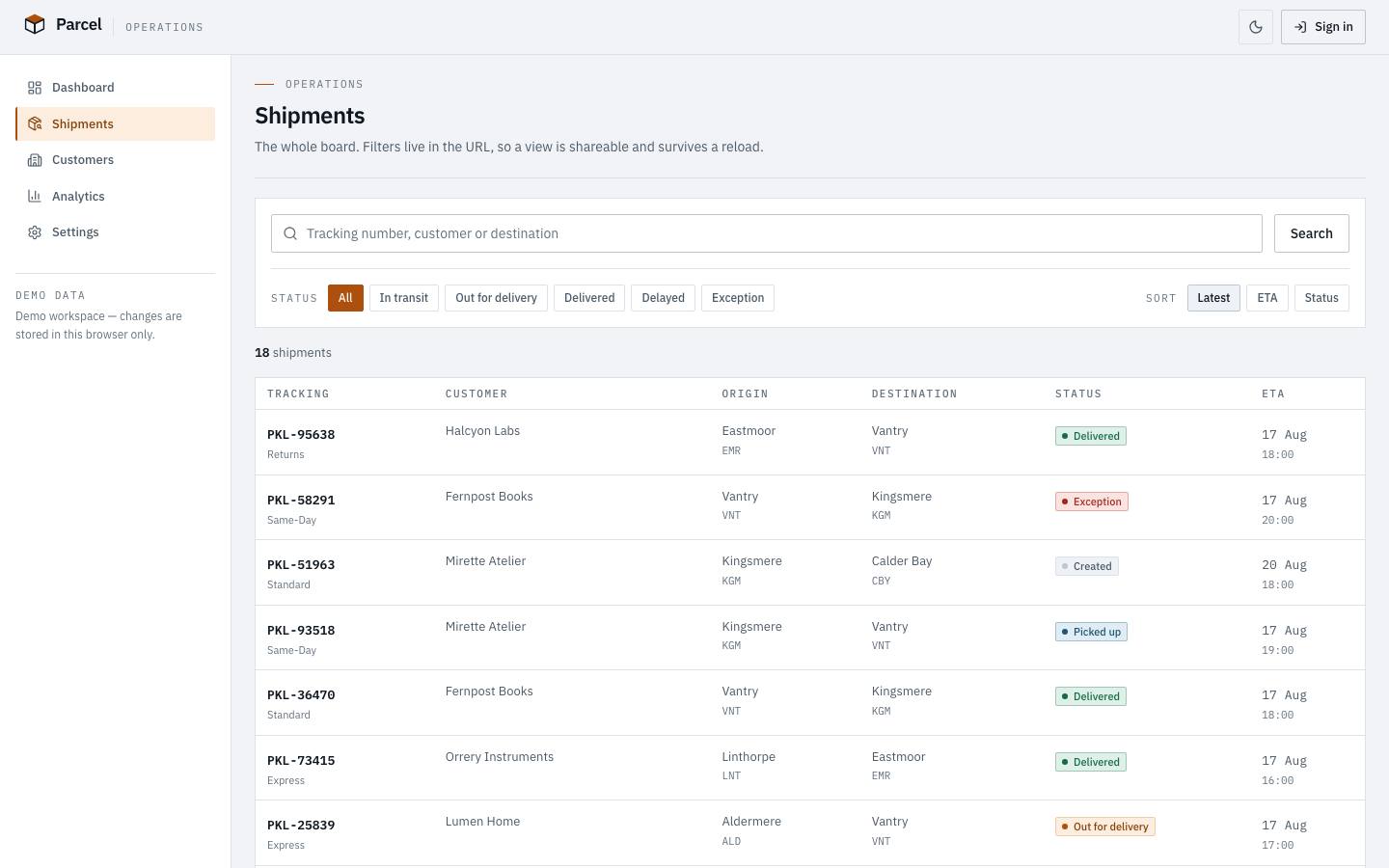
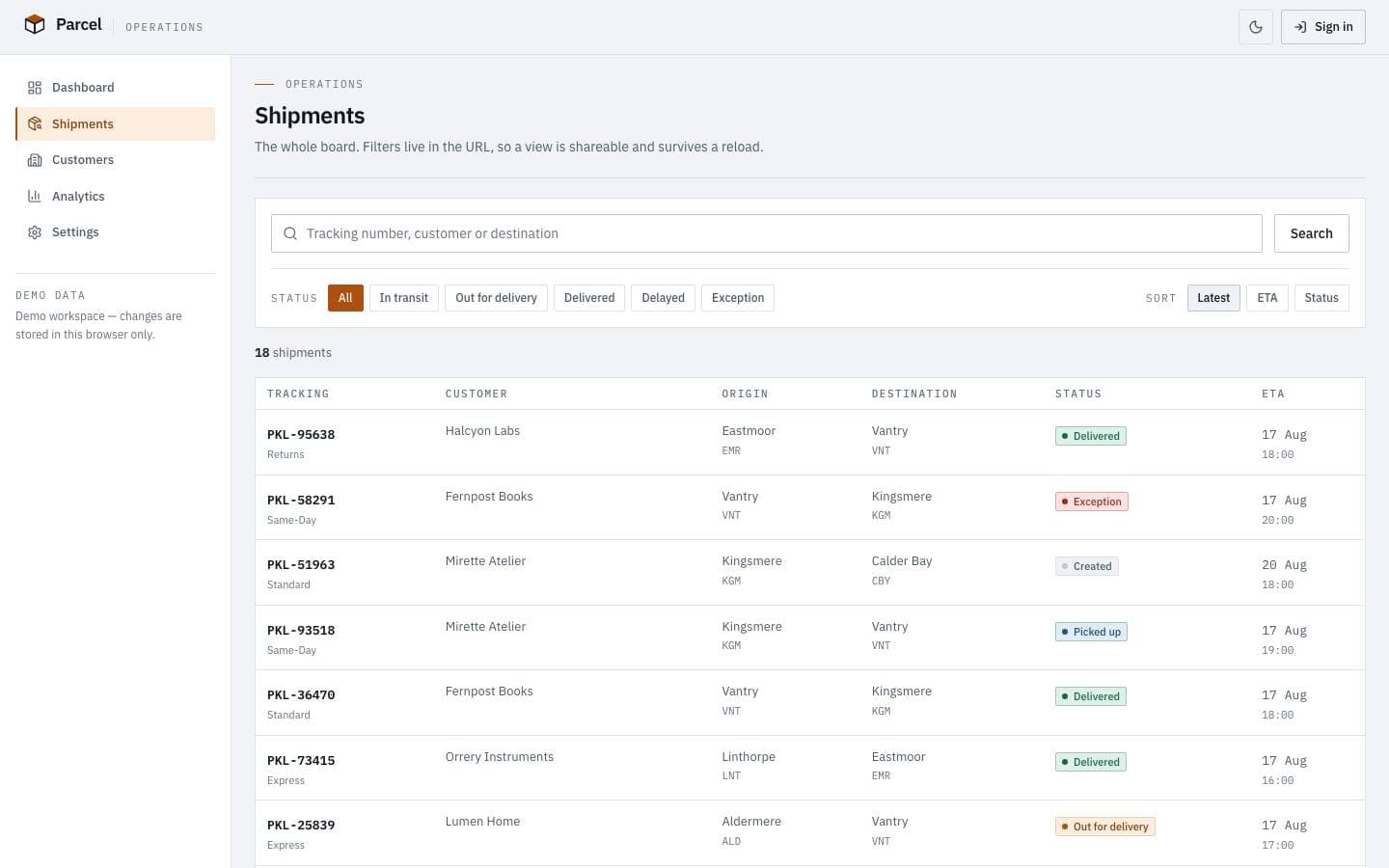
One shipment model serving both audiences, filterable down to the consignment that is going wrong.
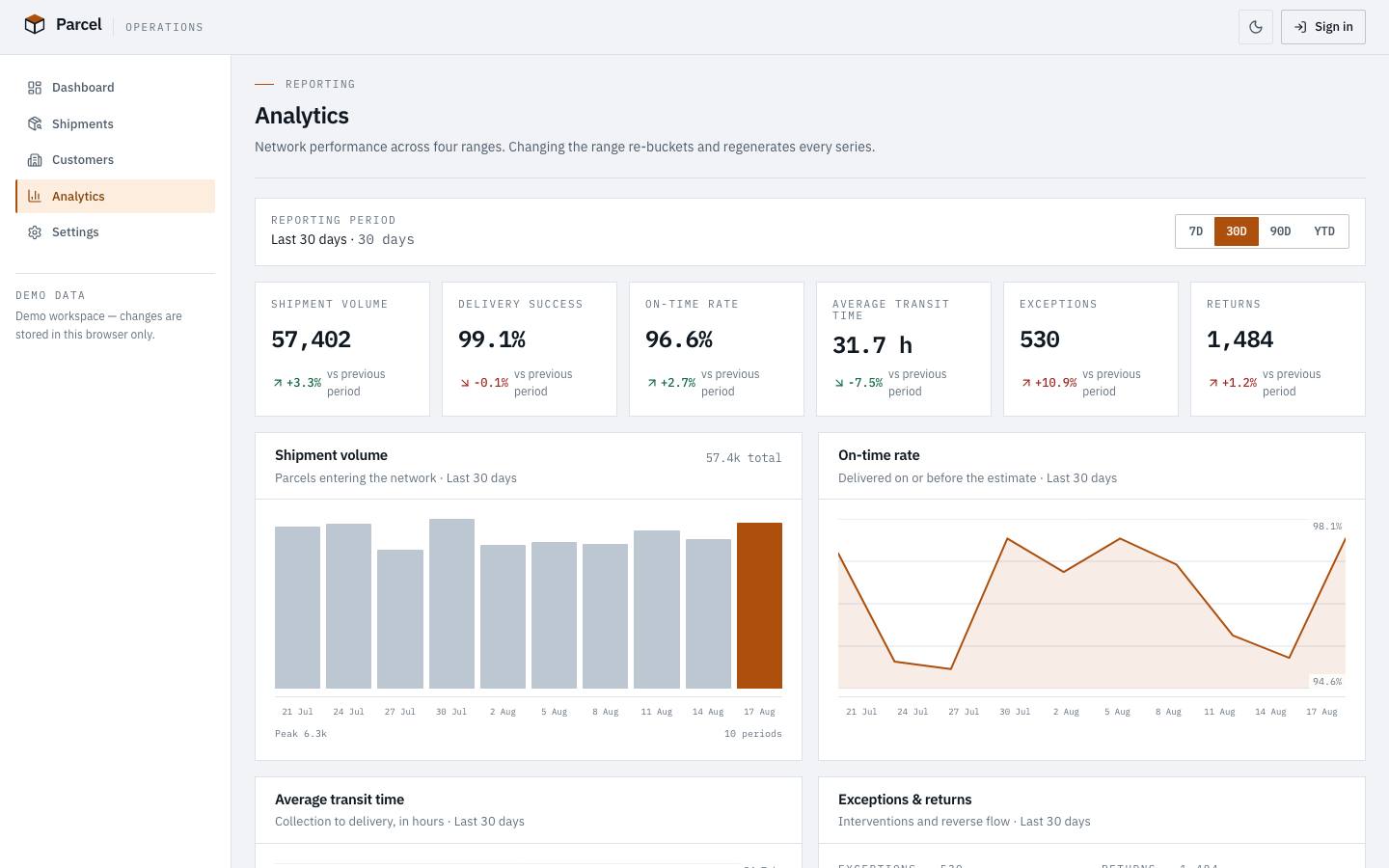
Every screen below is the deployed template, captured from its own live preview.
01
A tracking number becomes a readable answer: seven stages, a route drawn from scans, and a status line without jargon.
02
The workspace the people moving the boxes live in — volumes, exceptions and delivery performance in one view.
03
One shipment model serving both audiences, filterable down to the consignment that is going wrong.
Every line above is read from this product’s own licence and release record rather than written beside it, so it cannot promise something the release does not contain.
Scans are the only source of truth. Route, status and proof of delivery are all projections of the scan history, which is why the public page and the operations dashboard can never disagree about where something is. The data layer is deliberately replaceable — a carrier API drops in where the demo fixtures are.
Scan ──▶ Shipment ──┬──▶ Public tracking (recipient)
                     ├──▶ Route view
└──▶ Operations desk (dispatch, exceptions)parcel/
├── app/
│ ├── page.tsx
│ ├── tracking/[code]/page.tsx
│ ├── shipments/page.tsx
│ ├── dashboard/page.tsx
│ ├── analytics/page.tsx
│ └── coverage/page.tsx
├── components/
└── content/The archive contains the full source. There is no installer and no post-install script.
unzip parcel.zip
cd parcelpnpm installCopy the example file and fill in the variables listed under Environment variables.
cp .env.example .envpnpm devRuns formatting, lint, type-check, tests and a production build.
pnpm check| Variable | Required | Description |
|---|---|---|
DATABASE_URL | Required | PostgreSQL connection string. Use a pooled endpoint in serverless environments.postgresql://user:pass@localhost:5432/app |
NEXT_PUBLIC_APP_URL | Required | Absolute origin of the deployment. Used for canonical URLs and metadata.https://app.example.com |
LOG_LEVEL | Optional | debug | info | warn | error. Defaults to info in production. |
Zero-config. Set the environment variables listed above and connect the repository.
A multi-stage Dockerfile is included, producing a standalone image with no build toolchain.
Builds to a standard Node server. Nothing depends on a platform-specific runtime.
| Technology | Versions | Status |
|---|---|---|
| Next.js | ≥ 15 | Supported |
Initial commercial release
Initial commercial release
Documentation ships with the first release.
No. It is a demo environment running on fixtures, and the live preview states that on the page. The data layer is isolated so a carrier API or map provider replaces it without touching a component.
Curated by us, not inferred — these are the ones that genuinely pair with it.
Products that share a framework with this one.
Documentation and guides that use this template as their example.