1.0.0
Initial commercial release
- addedInitial commercial release
Healthcare network site and patient portal built around longer appointments
Preview only — not yet on sale.
Pro licence · what that covers
What this template is for. Each one is a filter in the catalogue, so the products beside it solve the same problem.
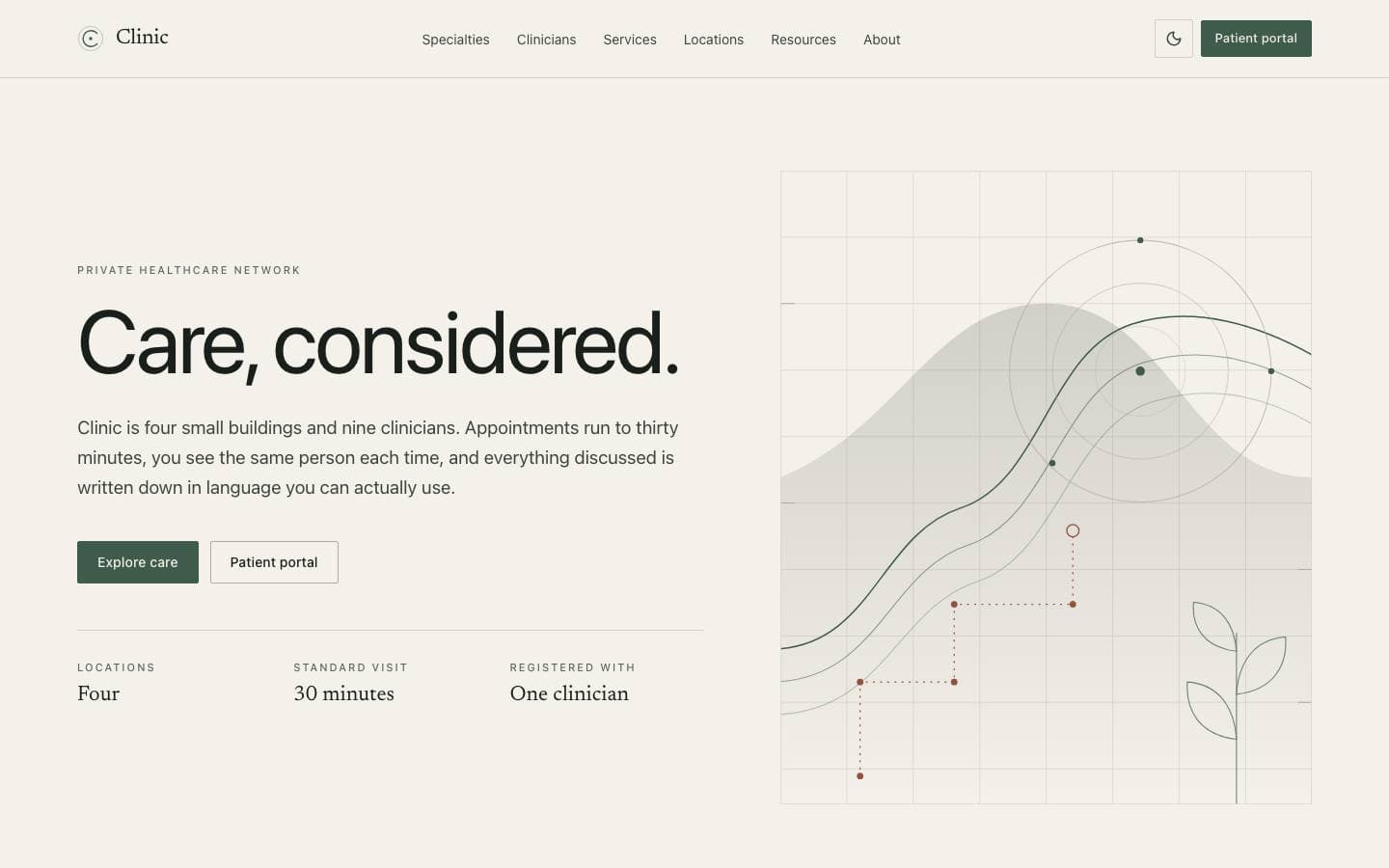
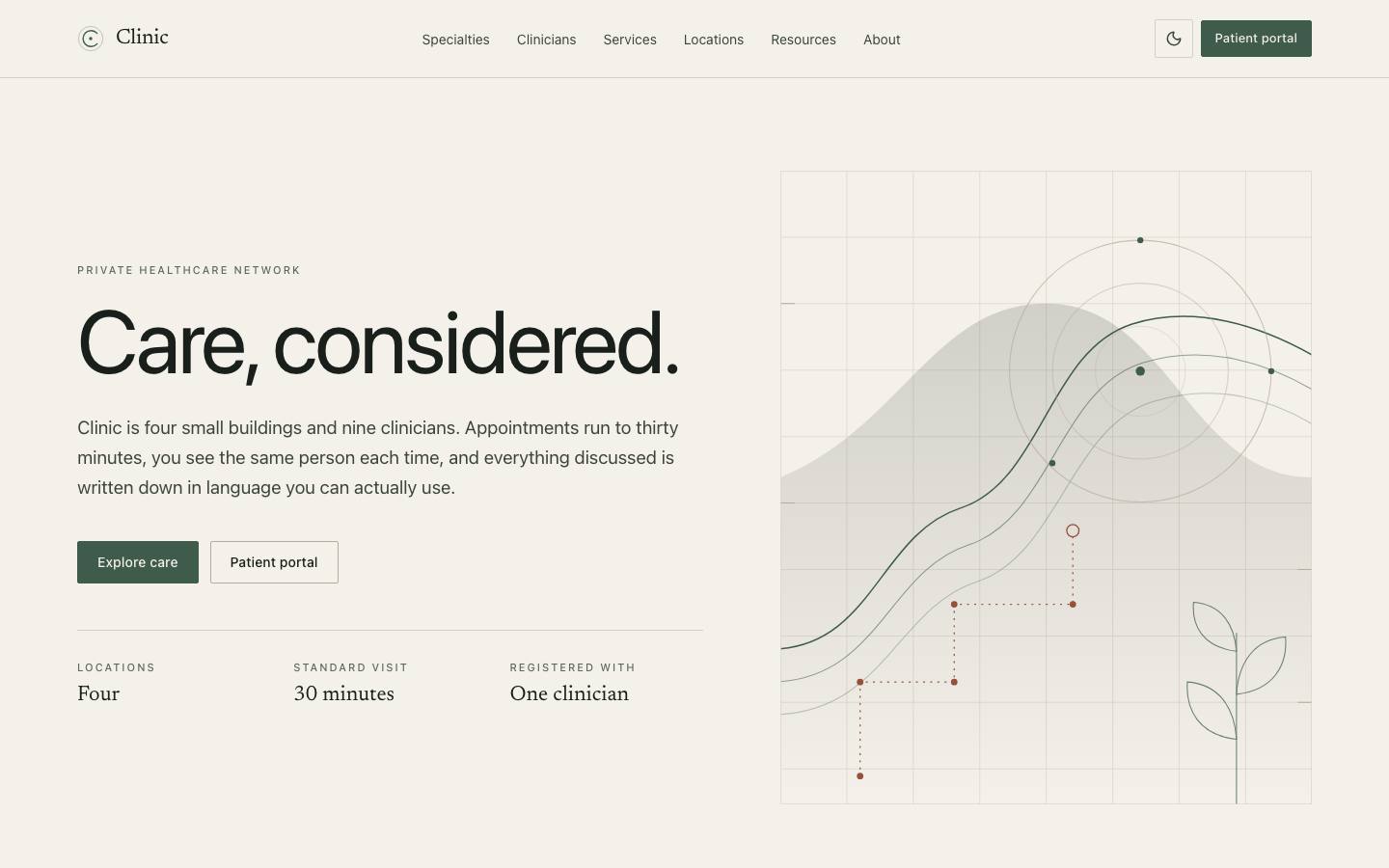
Healthcare interfaces usually feel rushed because the practice behind them is scheduled to be. Clinic is designed the other way: eight areas of care, named clinicians, four locations and a patient portal where the care plan is something you can read and keep. The tone is the product — calm, specific and free of the stock imagery that makes every private practice look like the same practice.
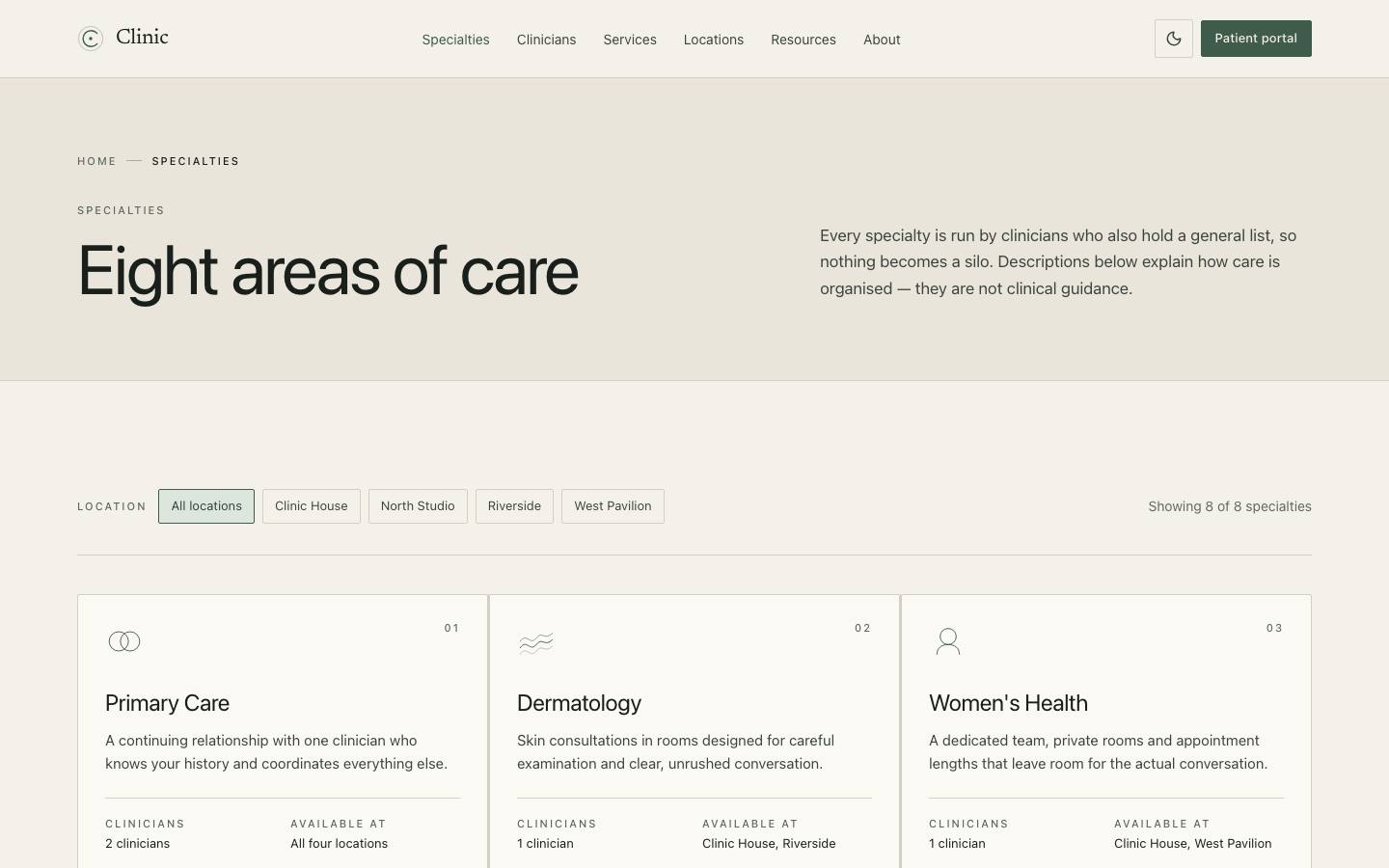
Eight care areas, each linked to the clinicians who actually practise it.
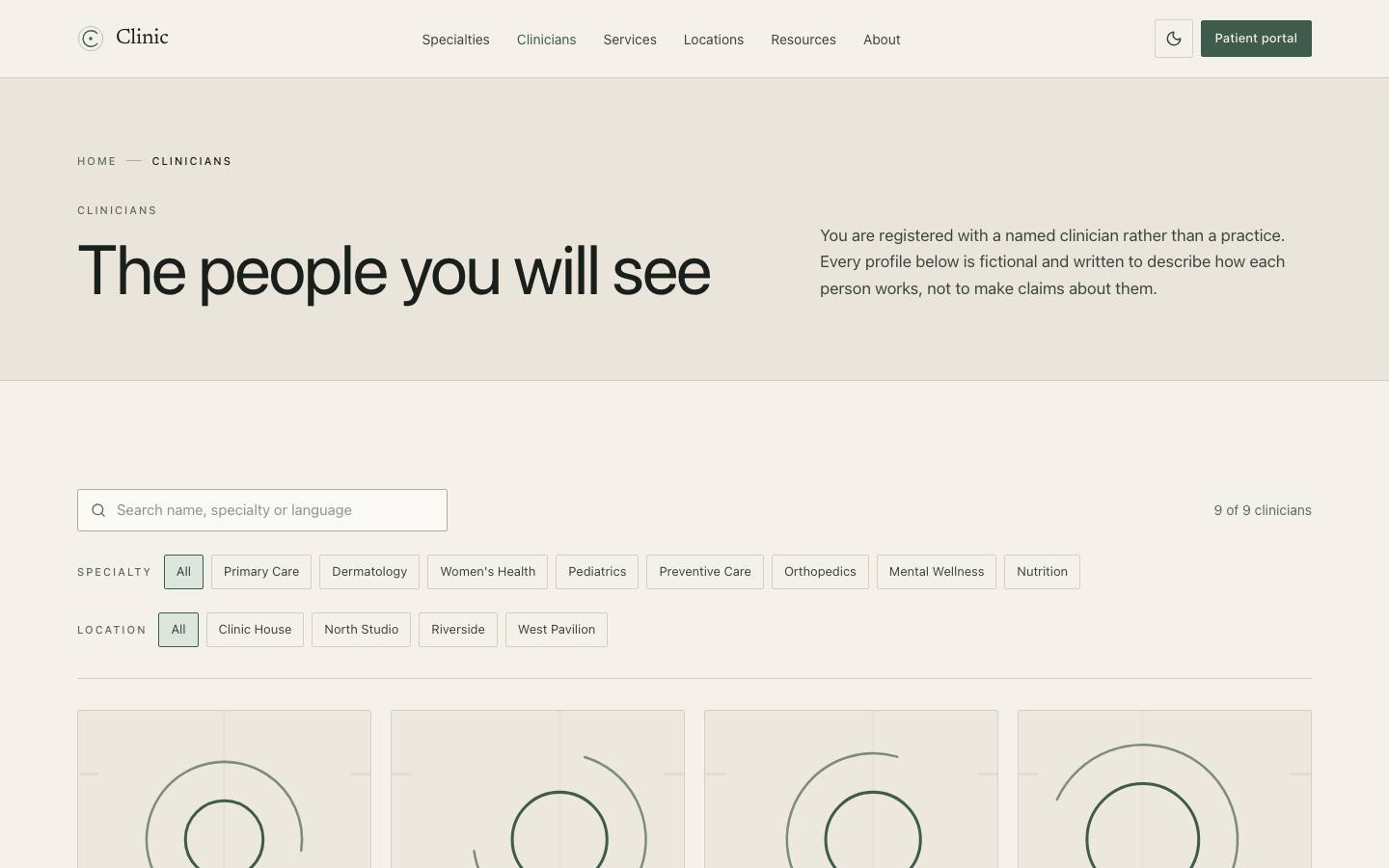
Named clinicians with specialties and locations, joined rather than duplicated.
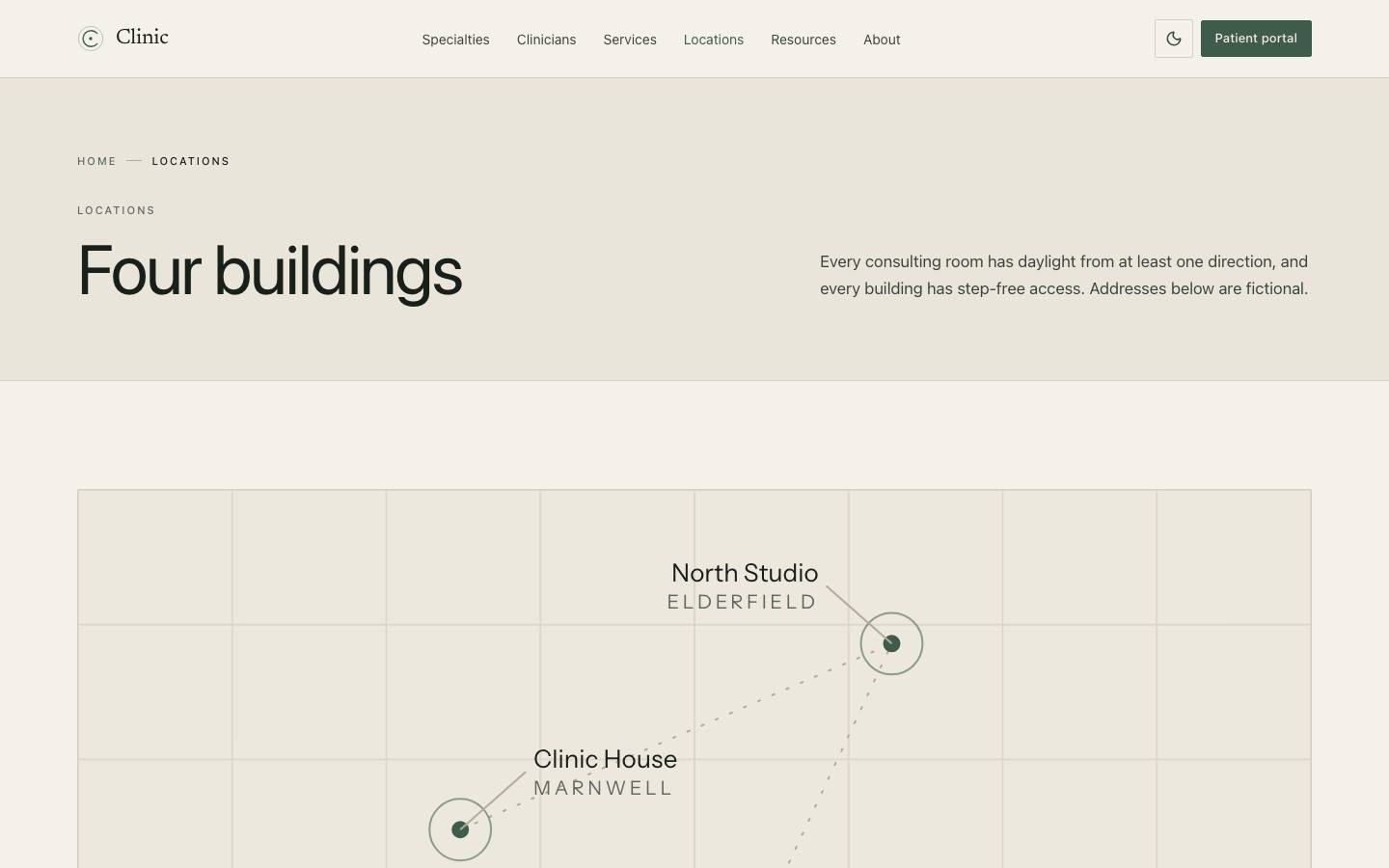
Four buildings with the practical arrival detail a patient needs on the morning of a visit.
Every screen below is the deployed template, captured from its own live preview.
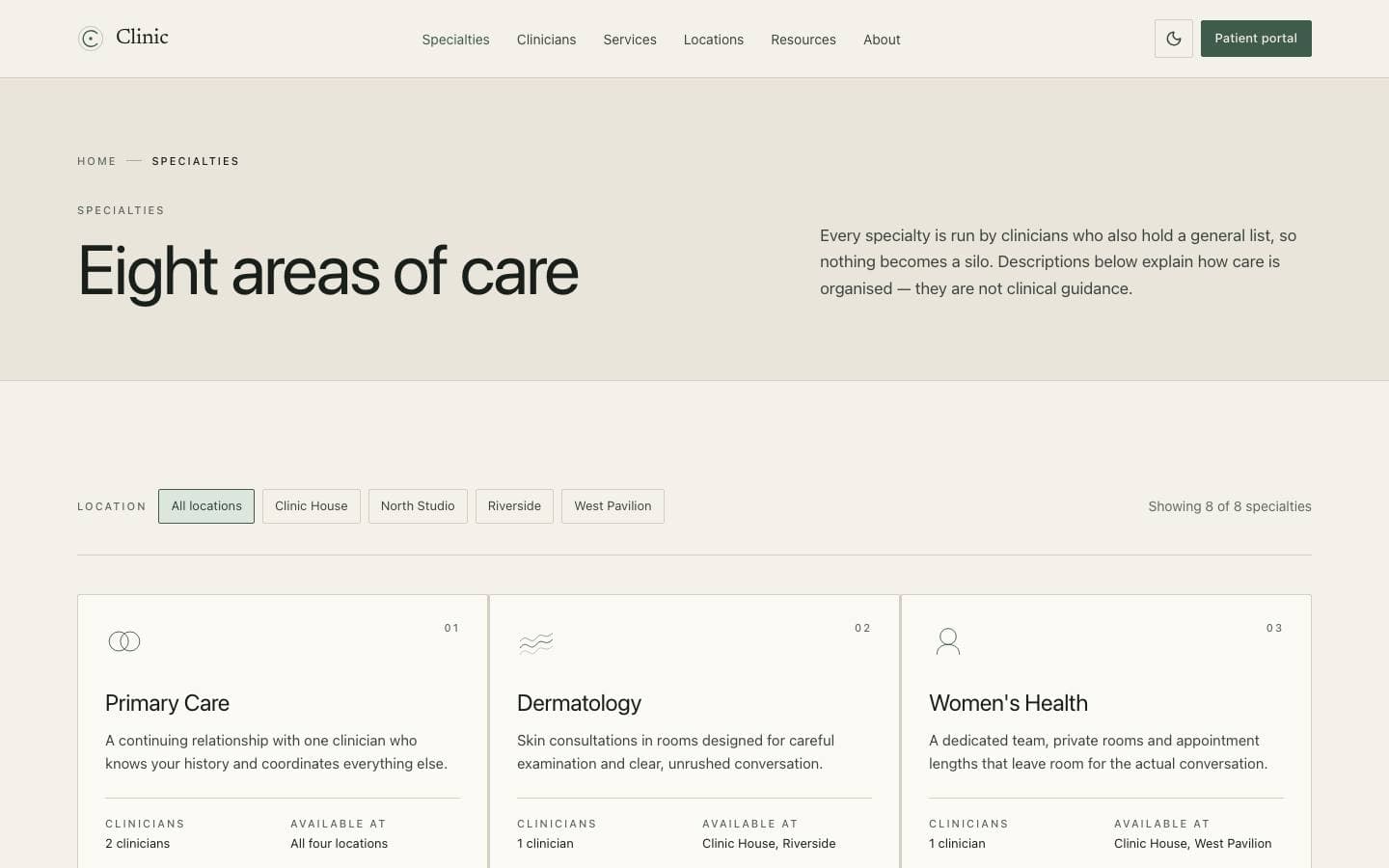
01
Eight care areas, each linked to the clinicians who actually practise it.
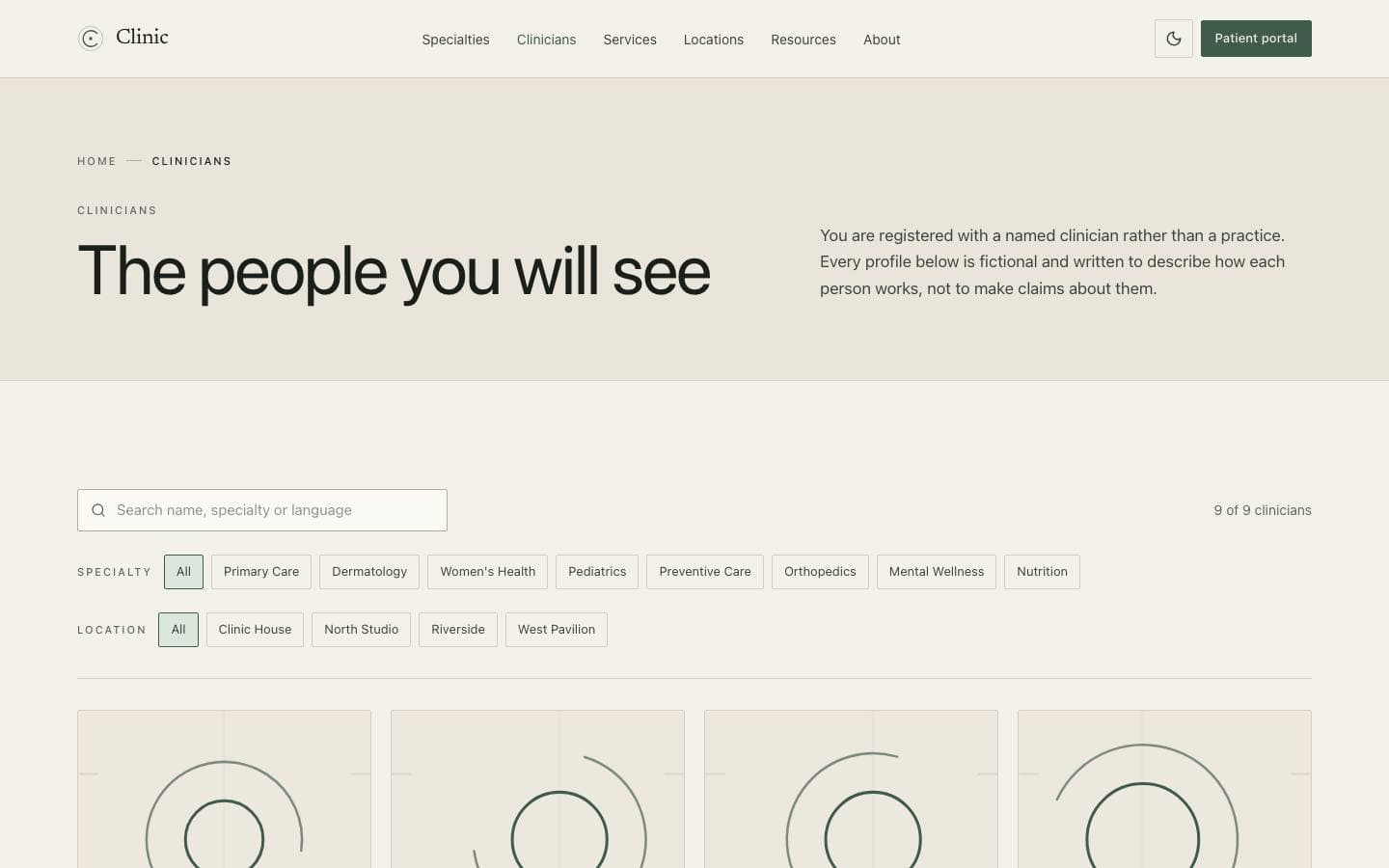
02
Named clinicians with specialties and locations, joined rather than duplicated.
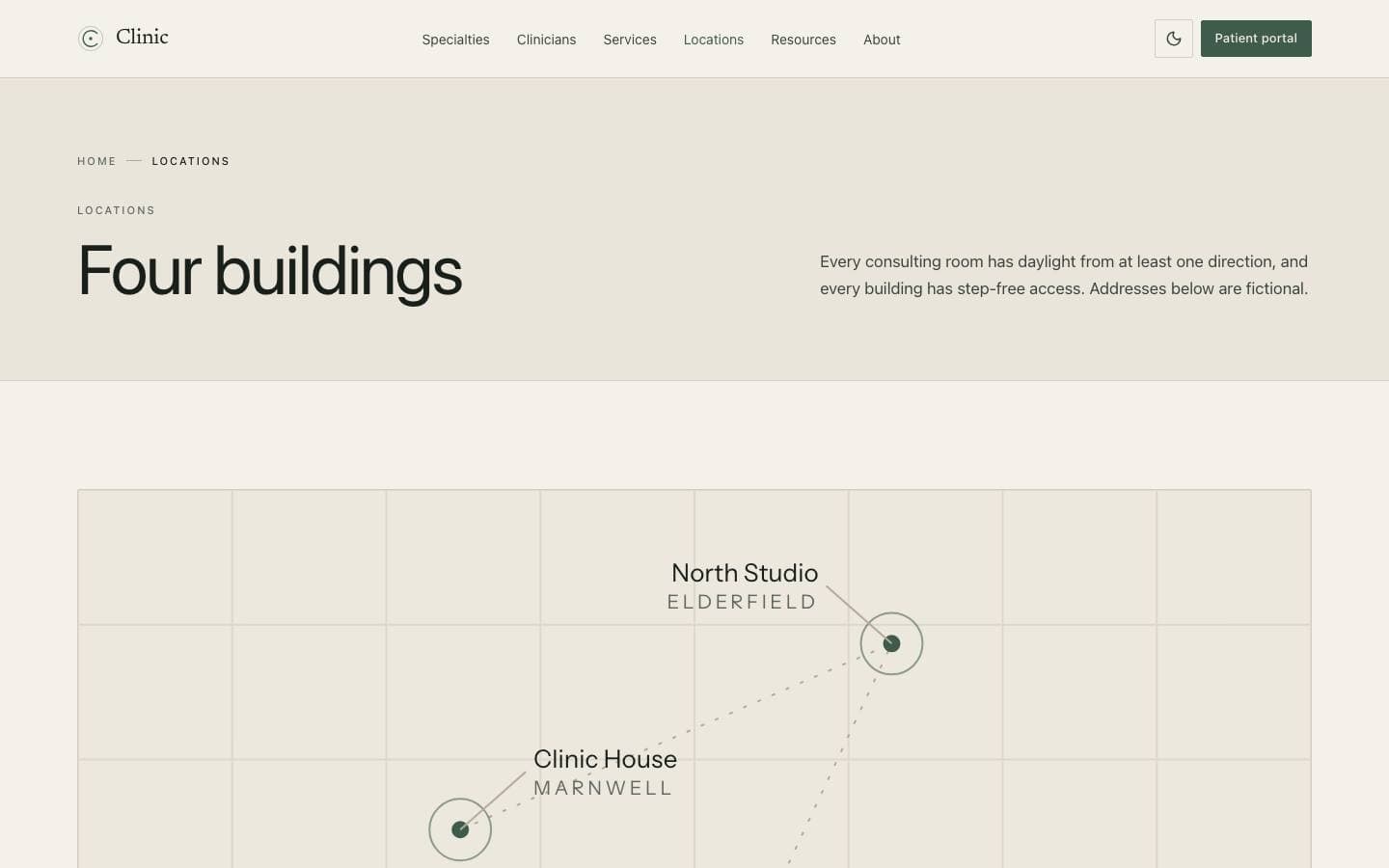
03
Four buildings with the practical arrival detail a patient needs on the morning of a visit.
Every line above is read from this product’s own licence and release record rather than written beside it, so it cannot promise something the release does not contain.
Register, first visit, written plan, between visits and annual review are stages of one pathway, and every public page and portal screen is positioned against it. Clinicians, specialties and locations are joined records, so a clinician page lists the right locations without anybody maintaining a second list.
clinic/
├── app/
│   ├── page.tsx
│   ├── specialties/[slug]/page.tsx
│   ├── clinicians/[slug]/page.tsx
│   ├── locations/page.tsx
│   └── resources/page.tsx
├── components/
└── content/The archive contains the full source. There is no installer and no post-install script.
unzip clinic.zip
cd clinicpnpm installCopy the example file and fill in the variables listed under Environment variables.
cp .env.example .envpnpm devRuns formatting, lint, type-check, tests and a production build.
pnpm check| Variable | Required | Description |
|---|---|---|
DATABASE_URL | Required | PostgreSQL connection string. Use a pooled endpoint in serverless environments.postgresql://user:pass@localhost:5432/app |
NEXT_PUBLIC_APP_URL | Required | Absolute origin of the deployment. Used for canonical URLs and metadata.https://app.example.com |
LOG_LEVEL | Optional | debug | info | warn | error. Defaults to info in production. |
Zero-config. Set the environment variables listed above and connect the repository.
A multi-stage Dockerfile is included, producing a standalone image with no build toolchain.
Builds to a standard Node server. Nothing depends on a platform-specific runtime.
| Technology | Versions | Status |
|---|---|---|
| Next.js | ≥ 15 | Supported |
Initial commercial release
Initial commercial release
Documentation ships with the first release.
No, and no template can be. It is a front end over fictional demonstration data with no patient records, no storage and no transmission. Compliance is a property of the system you build behind it, and it is your responsibility to establish.
Curated by us, not inferred — these are the ones that genuinely pair with it.
Products that share a framework with this one.
Documentation and guides that use this template as their example.