Next.js template architecture, explained
How a well-structured App Router template is organised, and what each boundary is protecting.
UT Studio8 min read
Open ten Next.js templates and you will find ten folder structures. Most of the differences do not matter. Three boundaries do, and they are the ones worth checking before you commit to a codebase.
Boundary one: content and presentation
Copy lives in typed modules; components render what they are given and contain no words. This is the boundary with the largest practical payoff, and the easiest to check — search a component file for a sentence a customer would read.
content/          → every string, link and list, typed
components/       → how things look, no copy
app/              → which sections appear, in what order
What it buys: content edits reviewable without reading JSX, translation without a rewrite, and a CMS migration that replaces module bodies while nothing in `components/` changes.
Boundary two: server and client
Server by default. `use client` appears at the leaves — the theme switcher, the cart, the menu — and never near the root.
The boundary is inherited downward
Everything a client component imports becomes client code. One `use client` at the top of a layout converts the whole tree beneath it, which is the usual explanation for a bundle nobody can account for.
Boundary three: query layer and data source
Pages do not import content modules directly. They call functions — `queryCatalog`, `findProduct` — that happen to read a module today and could read PostgreSQL tomorrow.
// The page knows nothing about where products come from.
const result = queryCatalog(parseFilters(await searchParams));
This is the seam that makes a template a starting point rather than a cul-de-sac. Without it, "connect it to a database" means editing every page.
Route groups as shells
Parenthesised folders group routes without appearing in the URL, which lets one application carry several genuinely different shells — marketing, auth, application, admin — with no shared layout compromise.
app/
├── (marketing)/  → navbar + footer
├── (auth)/       → centred card, no chrome
├── (app)/         → sidebar, session required
└── (admin)/       → separate shell, staff only
What to look for when evaluating
- Search components for customer-facing sentences. Finding many means boundary one is missing.
- Count `use client` and check where it sits. High and near the root is expensive.
- Find where data is read. If pages import content modules directly, there is no seam.
- Look for one metadata builder. Several means canonicals will drift.
- Check whether the sitemap is generated from data or hand-listed. Hand-listed does not scale.
Templates with the most structure to read
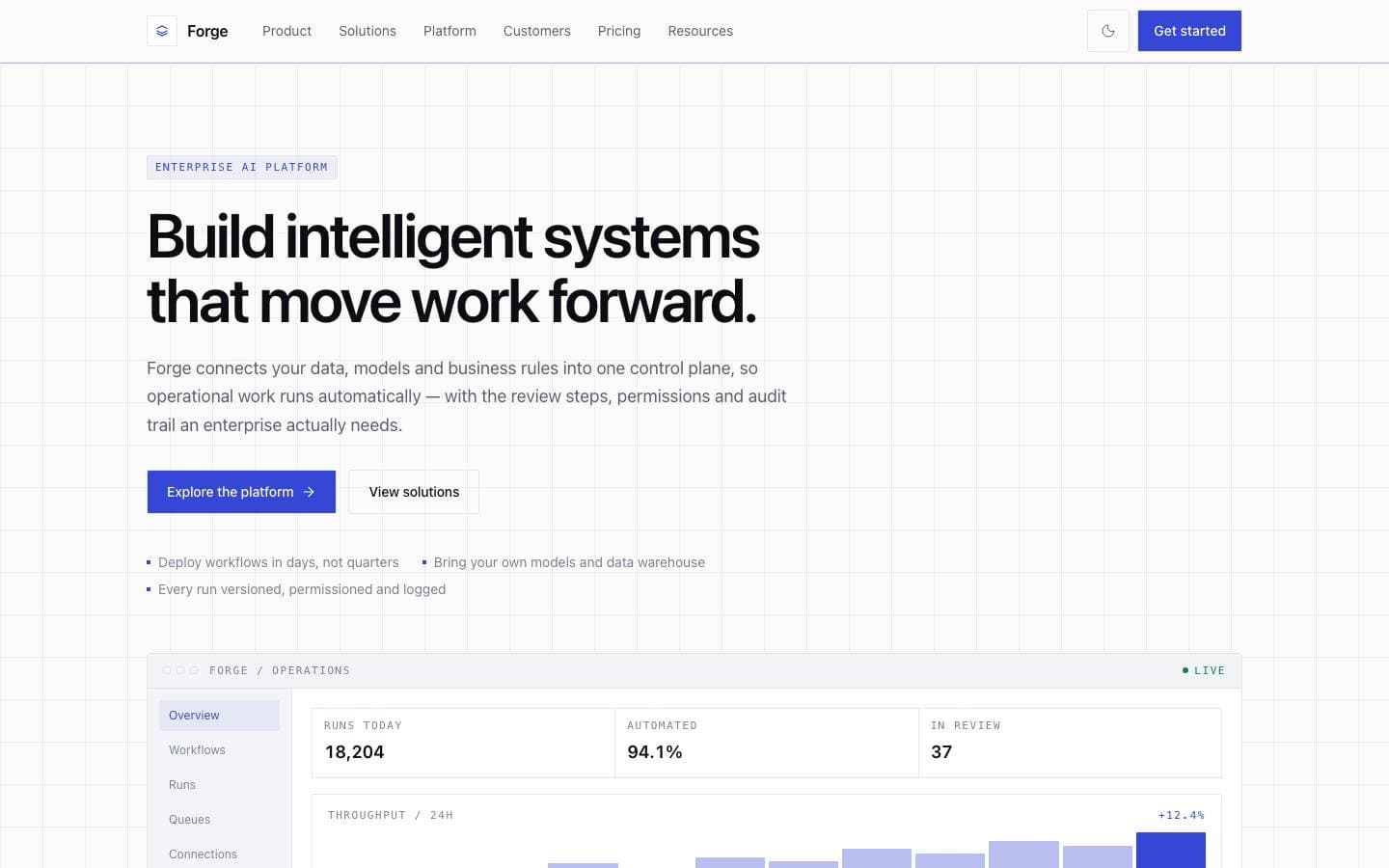
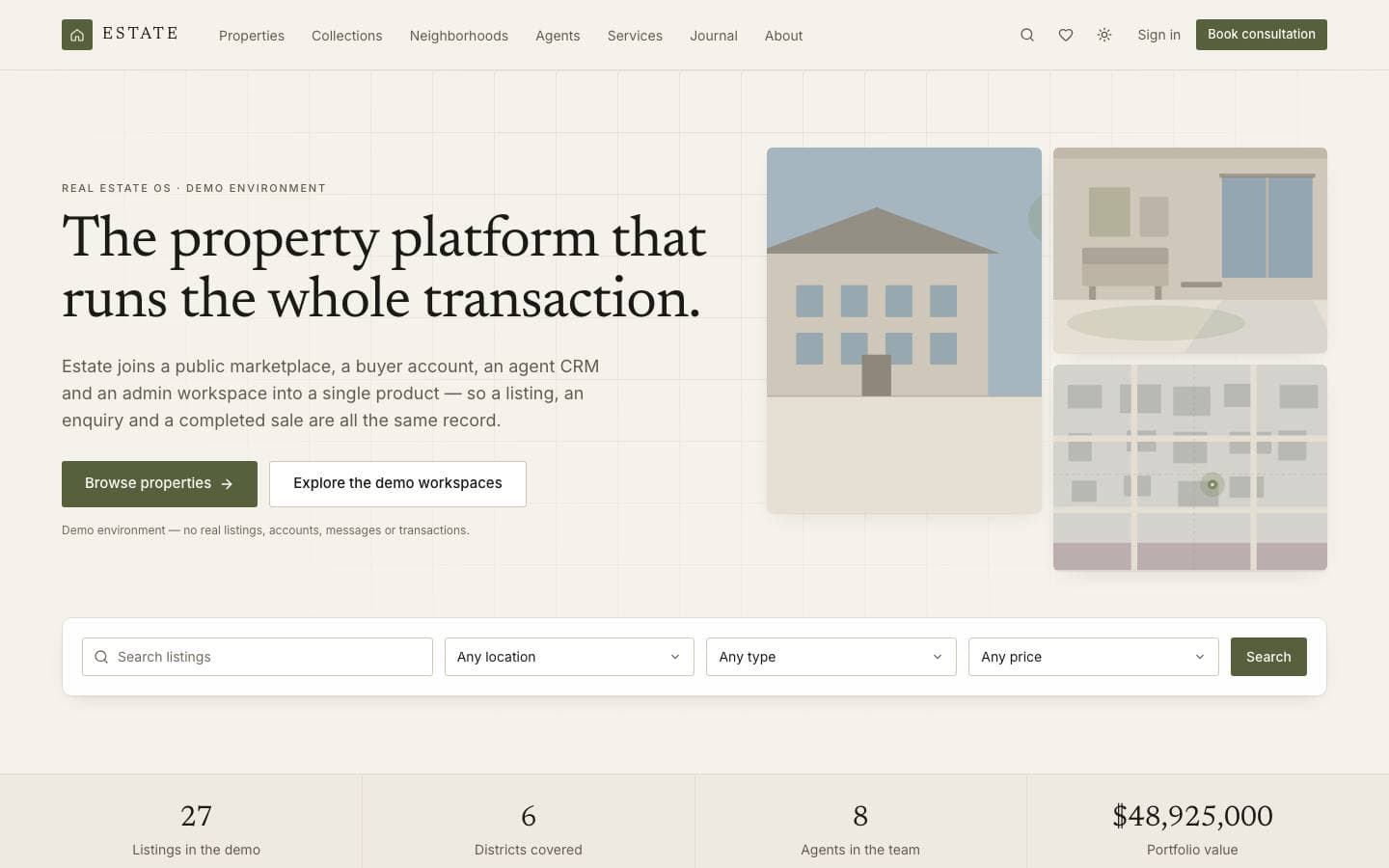
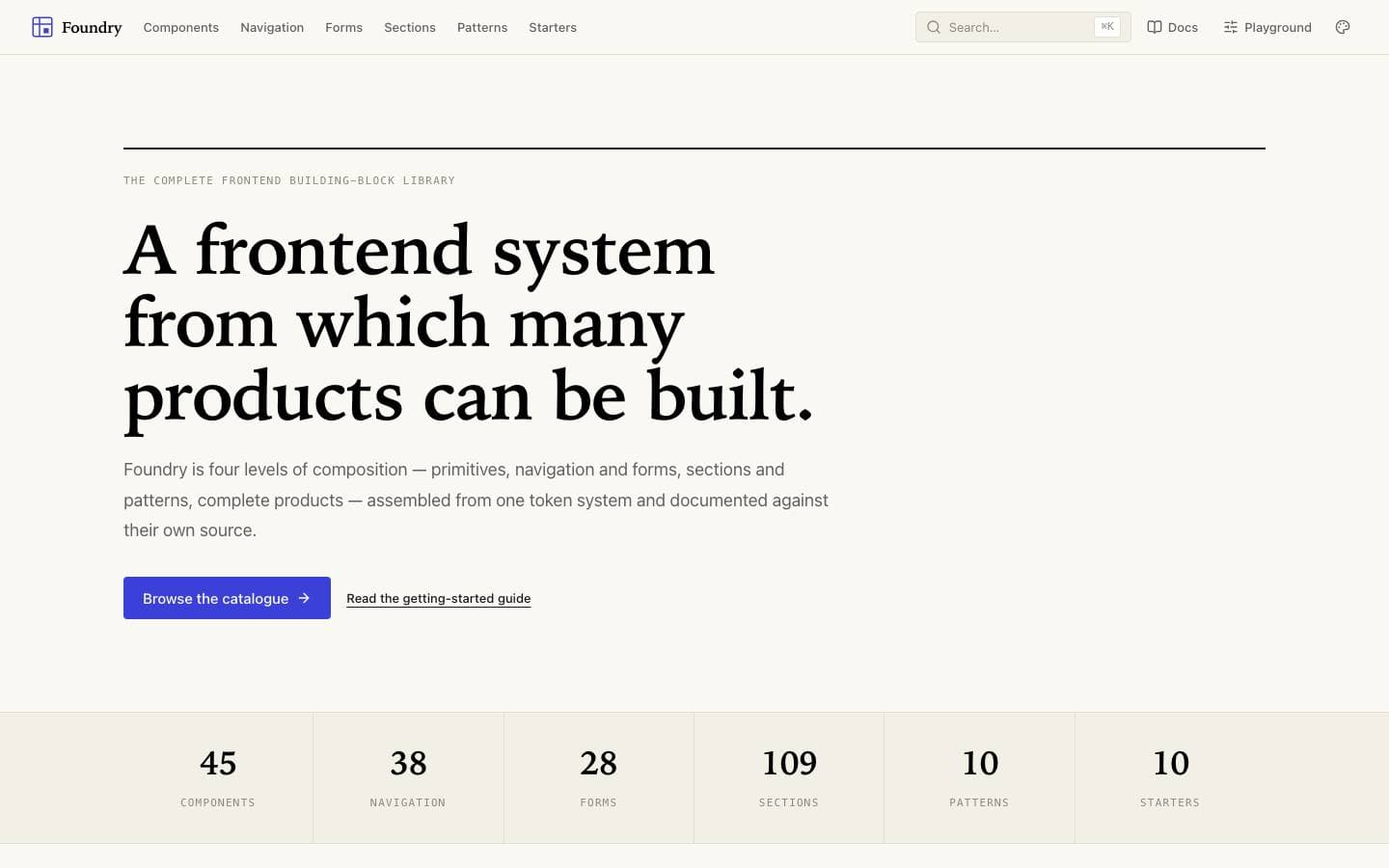
Templates mentioned here
Everything above is written against real products. These are the ones this page draws on.