How to structure a modern SaaS frontend
The four surfaces every SaaS needs, how they differ, and why conflating them is the most common architectural mistake.
UT Studio9 min read
A SaaS product is four applications wearing one domain name, and treating them as one is the mistake that produces an admin control two clicks from a pricing page.
The four surfaces
| Surface | Audience | Optimised for | Rendering |
|---|---|---|---|
| Marketing | Not yet customers | Persuasion and search | Static |
| Auth | Becoming customers | Completion, nothing else | Dynamic, minimal |
| Application | Customers | Density and speed of repeat use | Dynamic, per session |
| Admin | You | Control and auditability | Dynamic, gated |
Each wants a different layout, a different navigation model and a different density. The marketing site wants space and a single call to action per screen. The application wants information per pixel. Giving them one shell means one of them is always wrong.
Give each surface its own layout
In the App Router this is a route group per surface, each with its own layout. The shells never leak into one another, and the marketing footer — newsletter, RSS, legal links — never appears under a customer's billing page.
app/
├── (marketing)/     → navbar + footer, static
│   ├── page.tsx
│   └── pricing/page.tsx
├── (auth)/          → centred card, no chrome
│   └── login/page.tsx
├── (app)/           → sidebar, session required
│   └── dashboard/page.tsx
└── (admin)/         → separate shell, staff only
    └── products/page.tsx
Model ownership before you model users
The decision that is most expensive to reverse: what owns a subscription. Make it an organisation, always — even for single-user accounts, where the organisation has exactly one member.
If a user owns the subscription, then converting a personal account into a team is a data migration touching every table with a `userId` on it. If an organisation owns it, the same conversion is an invitation.
User ──< Membership >── Organization ──1:1── BillingProfile
                              │
                              ├──< Subscription ──▶ Entitlement
                              └──< Invoice
Separate entitlement from payment state
Do not ask "did they pay?" at the moment you gate a feature. Ask "do they have this entitlement?" — and let something else decide, once, what payment implies.
- Payment providers become swappable, because nothing outside one module knows which one you use.
- Trials, comps, grandfathering and manual grants stop being special cases in the gate.
- A provider outage stops being an outage of your product.
Decide auth boundaries early
Route groups make the boundary structural rather than conditional. The check belongs in the layout **and** in each page and action — a layout does not re-run when navigating within its own segment, and it never runs at all for a server action.
A layout-only auth check is not an auth check
It renders once and then does not re-run for sibling navigations, and server actions bypass layouts entirely. Every page and every action repeats the check.
What to build first
- The marketing site. It is the only surface that can be finished before the product exists.
- Auth, in full — verification, recovery, session rotation. Retrofitting these is unpleasant.
- One real application screen, end to end, including its empty and error states.
- Billing seams, but not necessarily billing.
- Admin, last and deliberately unglamorous.
Templates that demonstrate the split
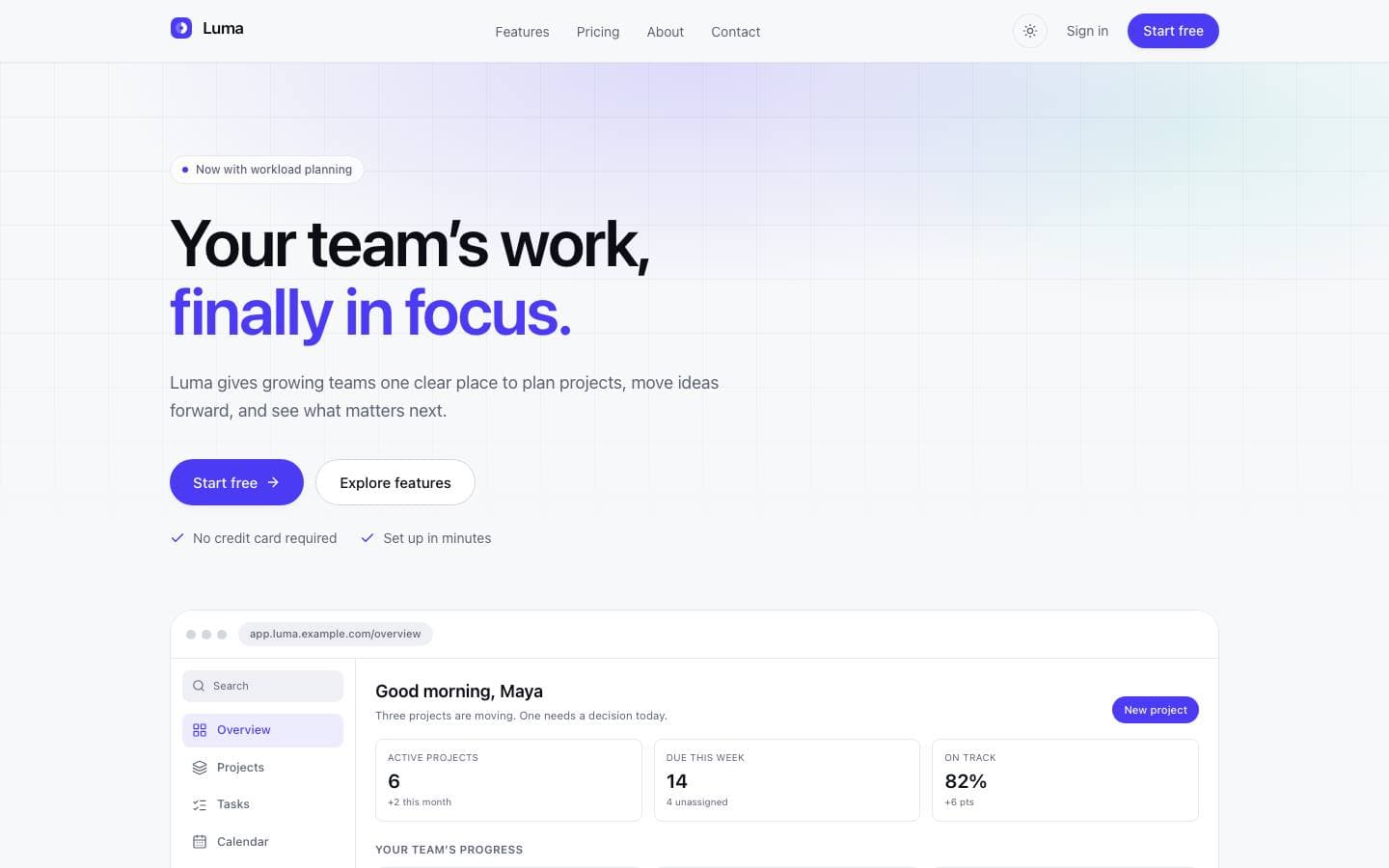
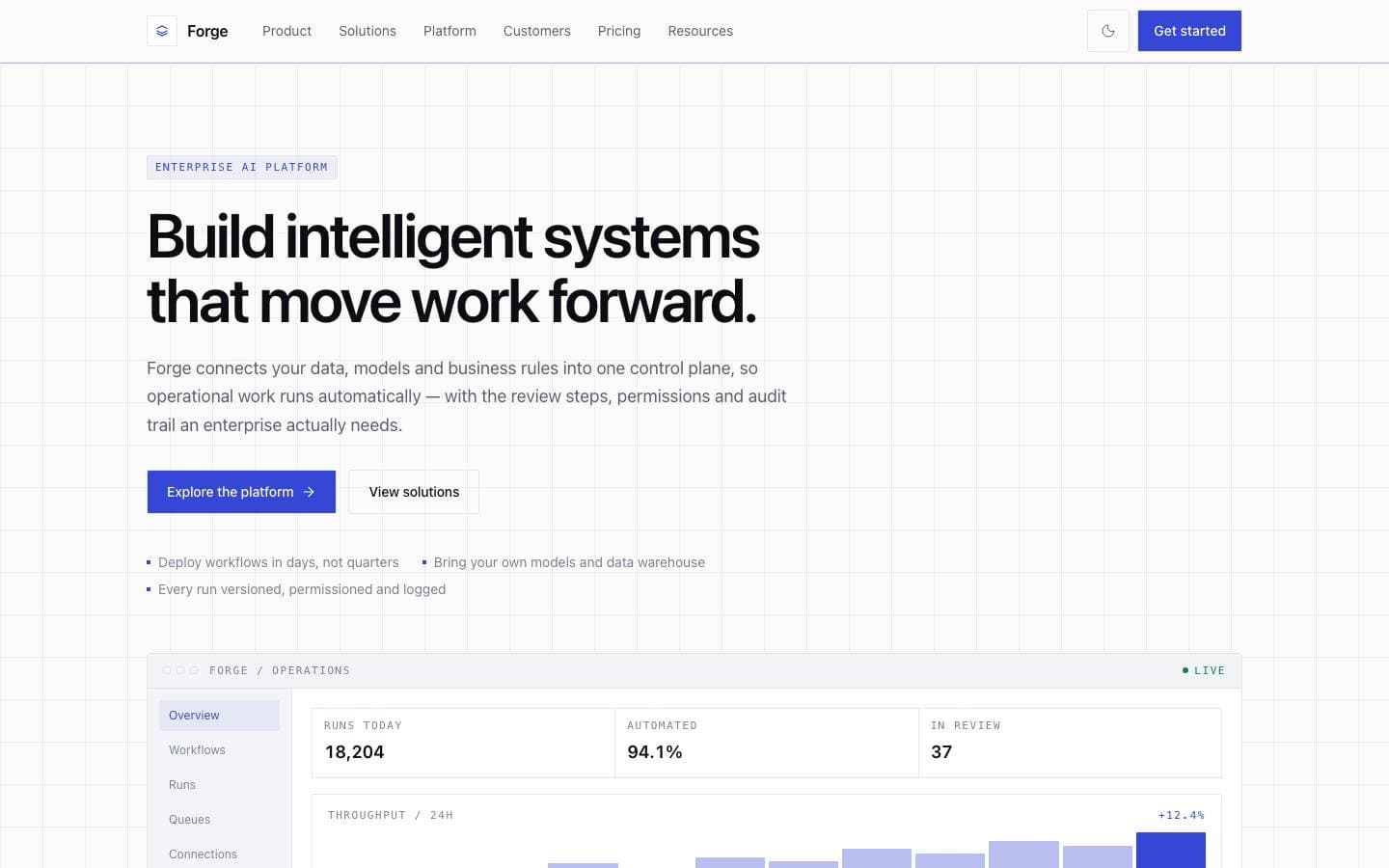
Luma is the marketing surface, Forge adds the enterprise product story, and the SaaS starter kit ships the ownership model described above.
Templates mentioned here
Everything above is written against real products. These are the ones this page draws on.