What "production-ready" actually means for a SaaS frontend
The unglamorous work that separates a demo from something you can put customers on.
UT Studio8 min read
"Production-ready" is the most over-claimed phrase in frontend, and it usually means "the happy path renders". A useful definition is narrower: production-ready means the interface behaves correctly when things are not going well.
That is almost entirely unglamorous work, which is why it is the work most often skipped — and why it is a reasonable proxy for whether anything else was done carefully.
Every list has four empty states
Not one. A list can be empty because nothing has been created yet, because a filter excluded everything, because the viewer lacks permission, or because the request failed. They need four different messages, and shipping one for all four is why users report a working product as broken.
| State | What the user should read | The action offered |
|---|---|---|
| Nothing yet | What this list will hold | Create the first one |
| No matches | Which filter excluded everything | Clear the filter |
| No permission | That access is the issue, not the data | Who to ask |
| Failed | That it failed, plainly | Retry |
Errors that say what to do next
"Something went wrong" is an apology, not information. A production error message names what failed, says whether the user can do anything, and offers the next step. It also does not leak a stack trace.
A boundary that swallows everything is worse than a crash
An error boundary rendering a generic panel for every failure makes debugging impossible and hides genuine outages. Catch what you can act on; let the rest surface.
Loading that does not move the page
A skeleton shaped like the content it replaces. A spinner in the middle of an empty page communicates nothing and guarantees a layout jump when the content lands — which is measured, and which users experience as the page fighting them.
Forms that survive a real person
- Validate on blur, not on every keystroke. Being told the email is invalid after typing two characters is hostile.
- Keep the error next to the field, and reference it from the input so it is announced.
- Never clear a form on failure. The submission failed; the typing should not have to be repeated.
- Disable the submit button while submitting, and say what is happening.
- Support autofill. Correct `autocomplete` attributes are a five-minute change that meaningfully raises completion.
State that survives a refresh
If filtering a table, opening a tab or paginating is lost on reload, the state was in the wrong place. Put it in the URL. The user gets a shareable view and a working back button; you get a page that can be server-rendered.
The boring list
- A real 404, reachable by typing a wrong URL.
- A real 500 that does not leak internals.
- Offline behaviour that is not an infinite spinner.
- Slow-network behaviour, tested with throttling on.
- Session expiry that returns you where you were, not to an empty dashboard.
- Copy that has been read aloud once by someone who did not write it.
The proxy
When evaluating any frontend — a template, a library, a contractor's work — look at the empty states first. They are the cheapest thing to skip and the most reliable signal that nothing else was.
Templates that ship these states
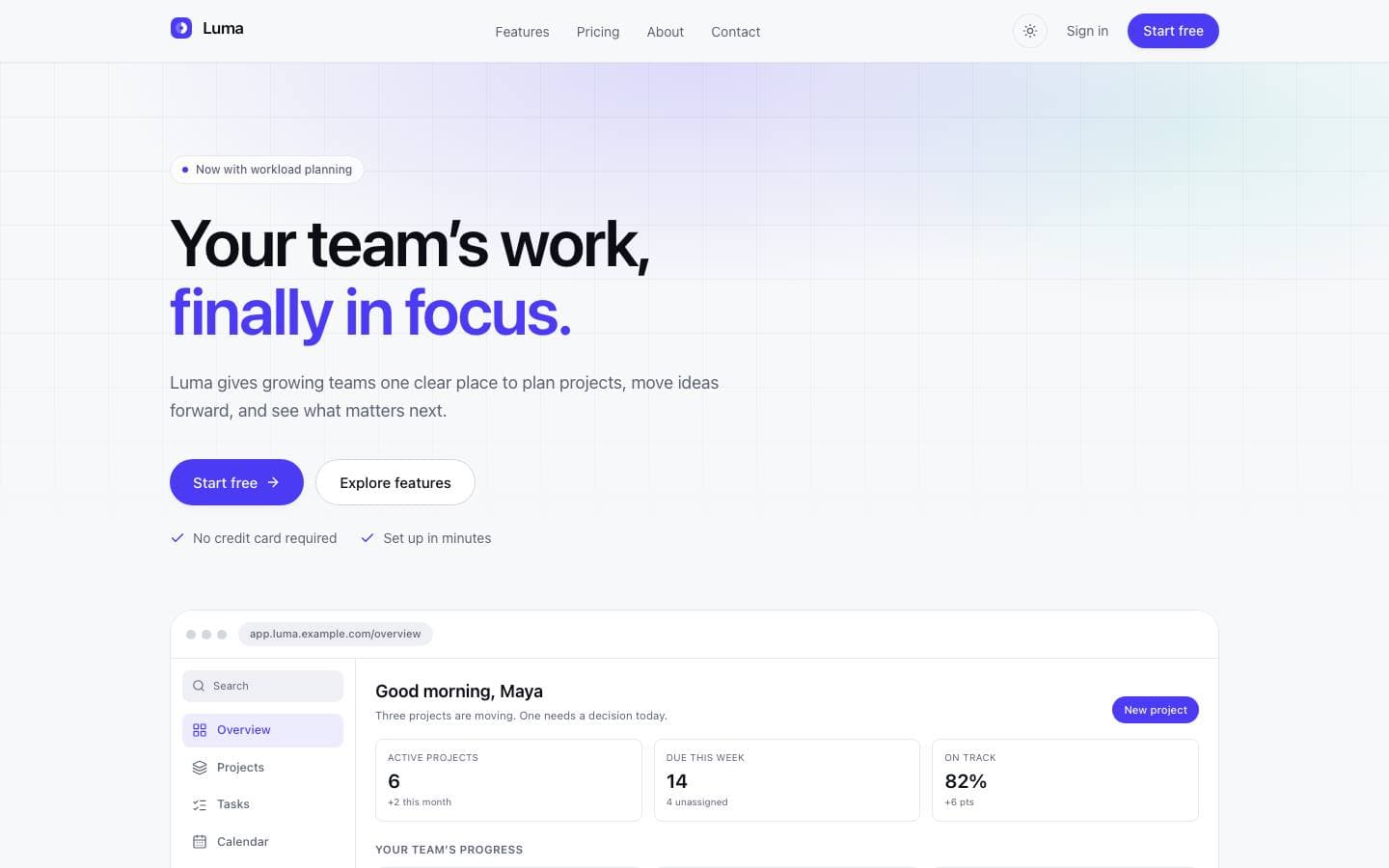
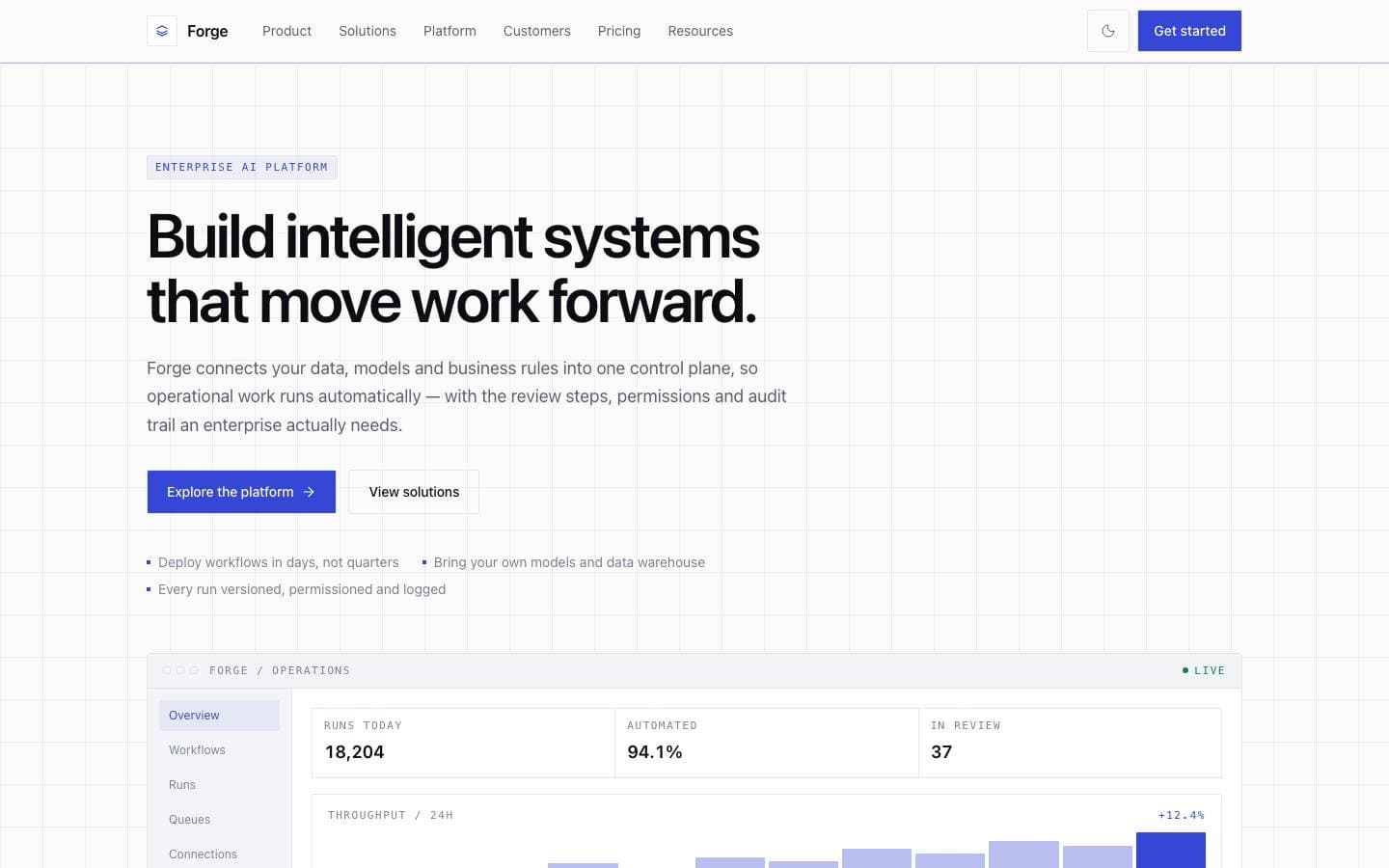
Templates mentioned here
Everything above is written against real products. These are the ones this page draws on.