1.0.0
Initial commercial release
- addedInitial commercial release
Wealth and investment management site for firms that sell judgement rather than products
Preview only — not yet on sale.
Pro licence · what that covers
What this template is for. Each one is a filter in the catalogue, so the products beside it solve the same problem.
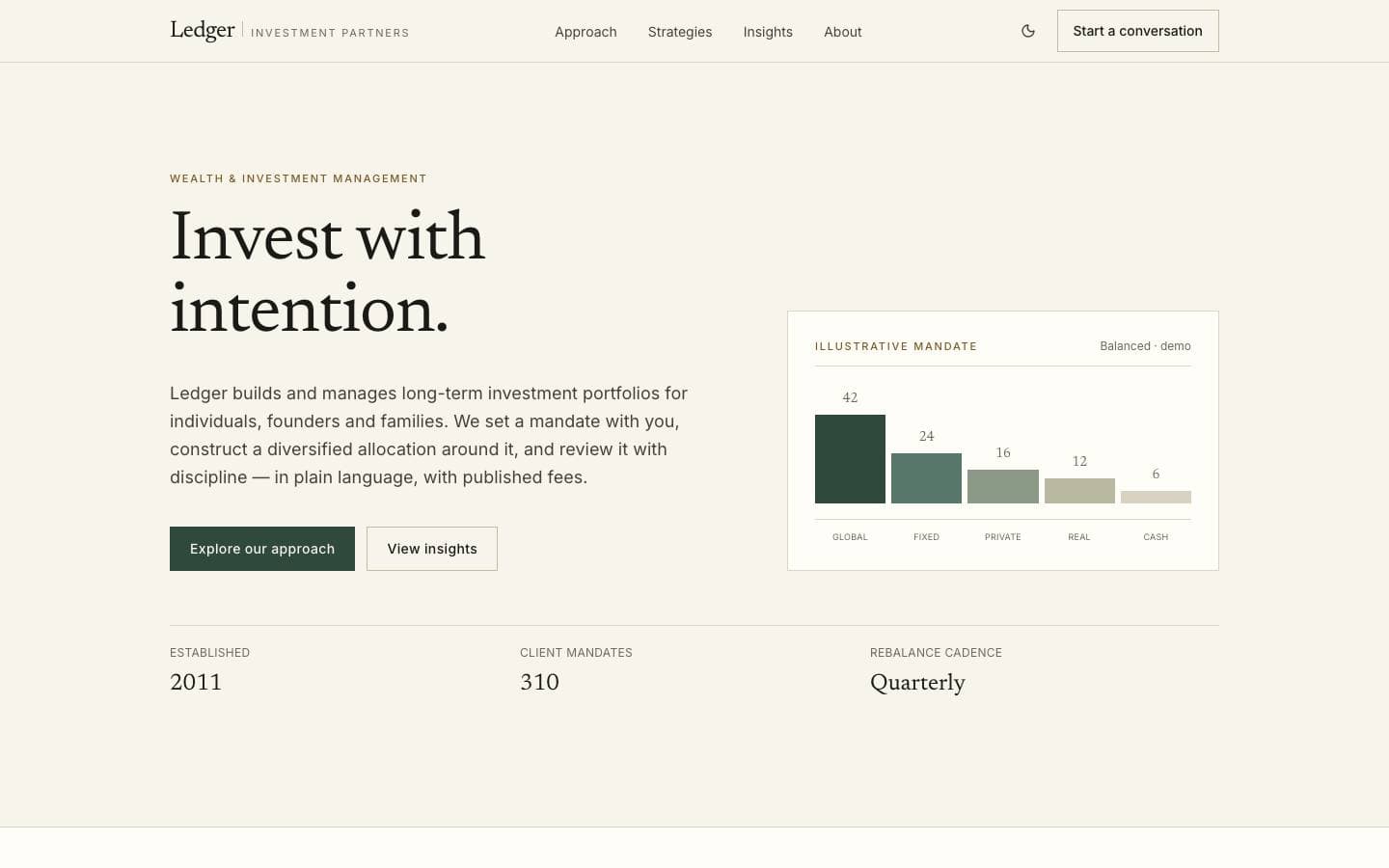
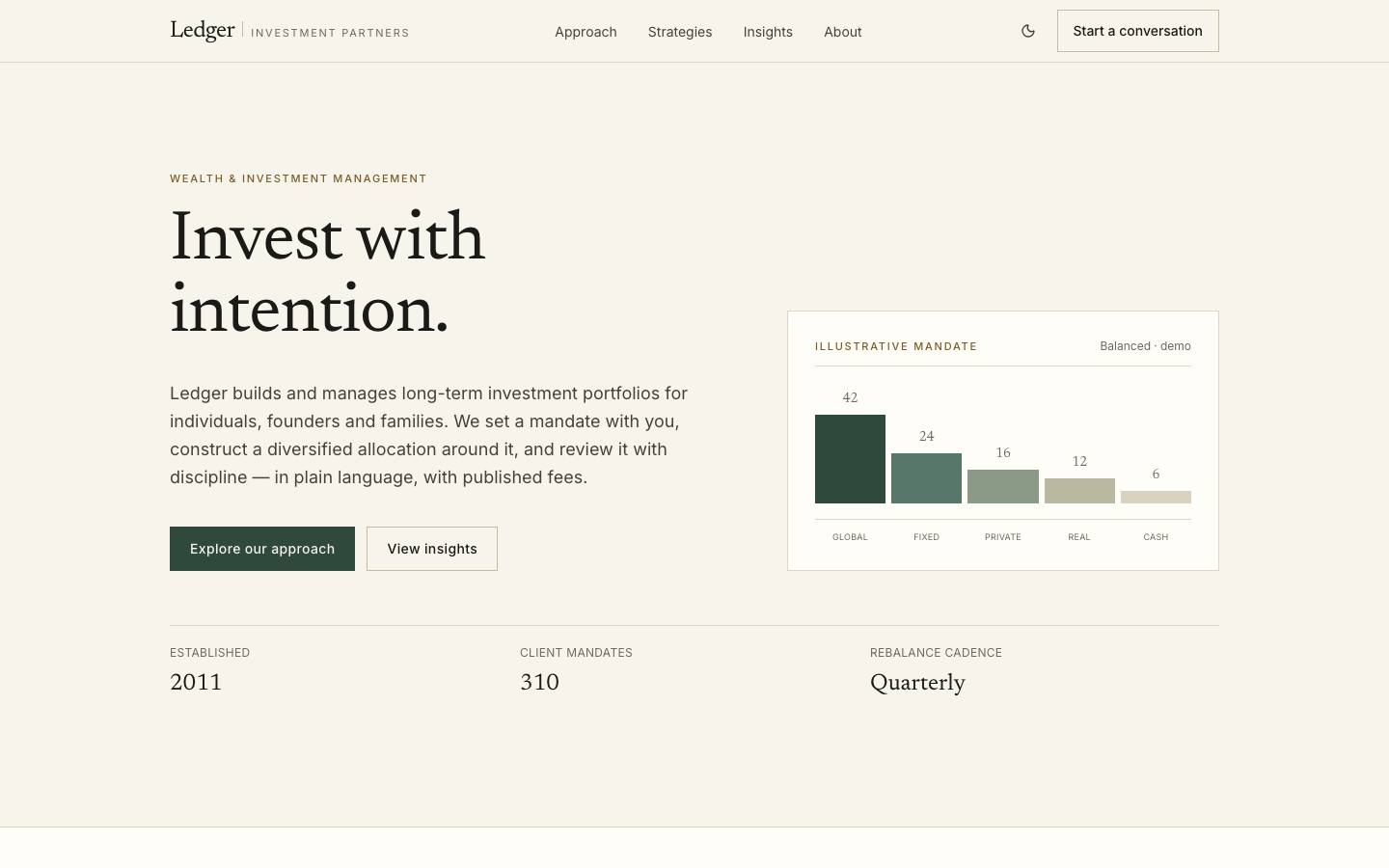
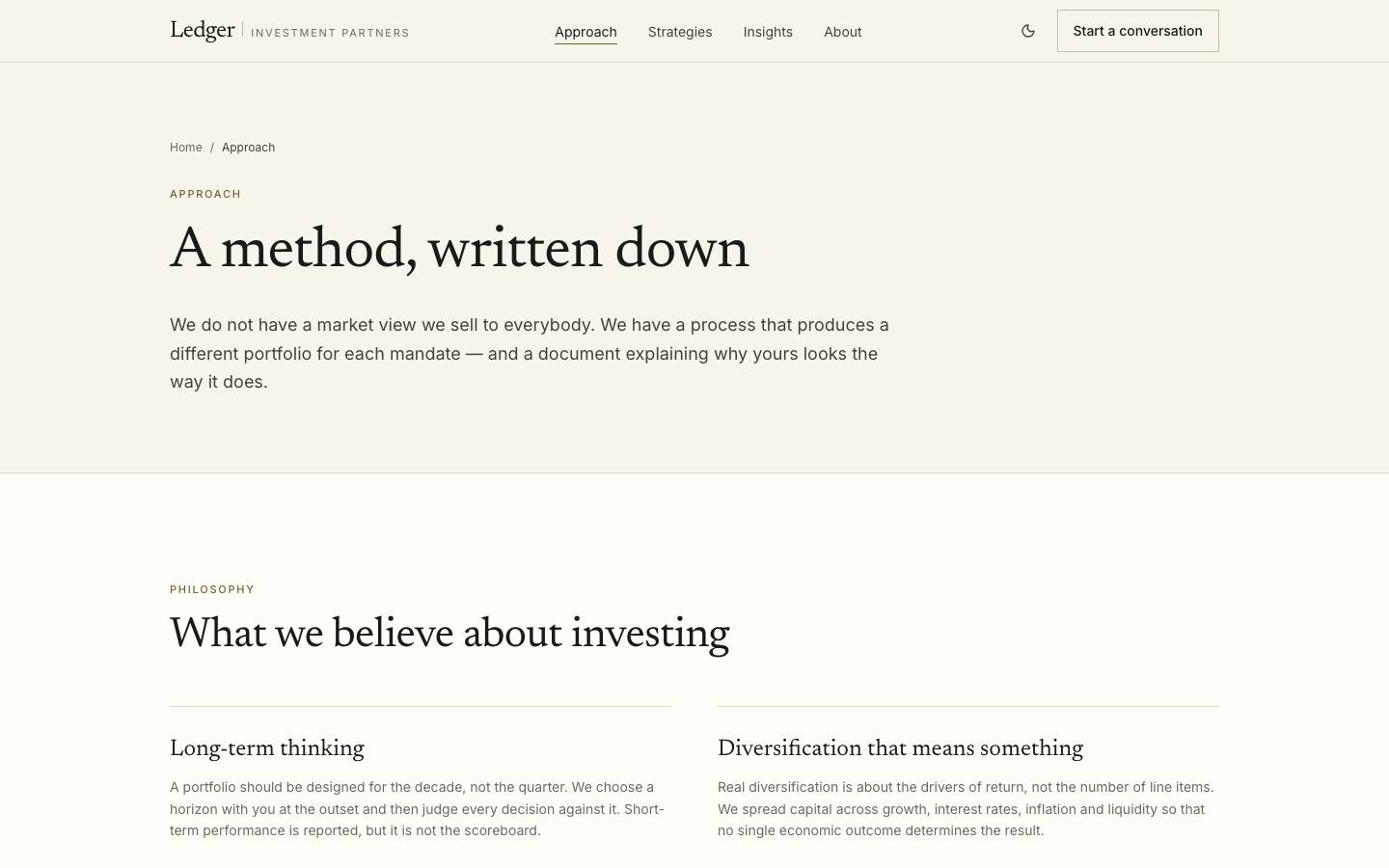
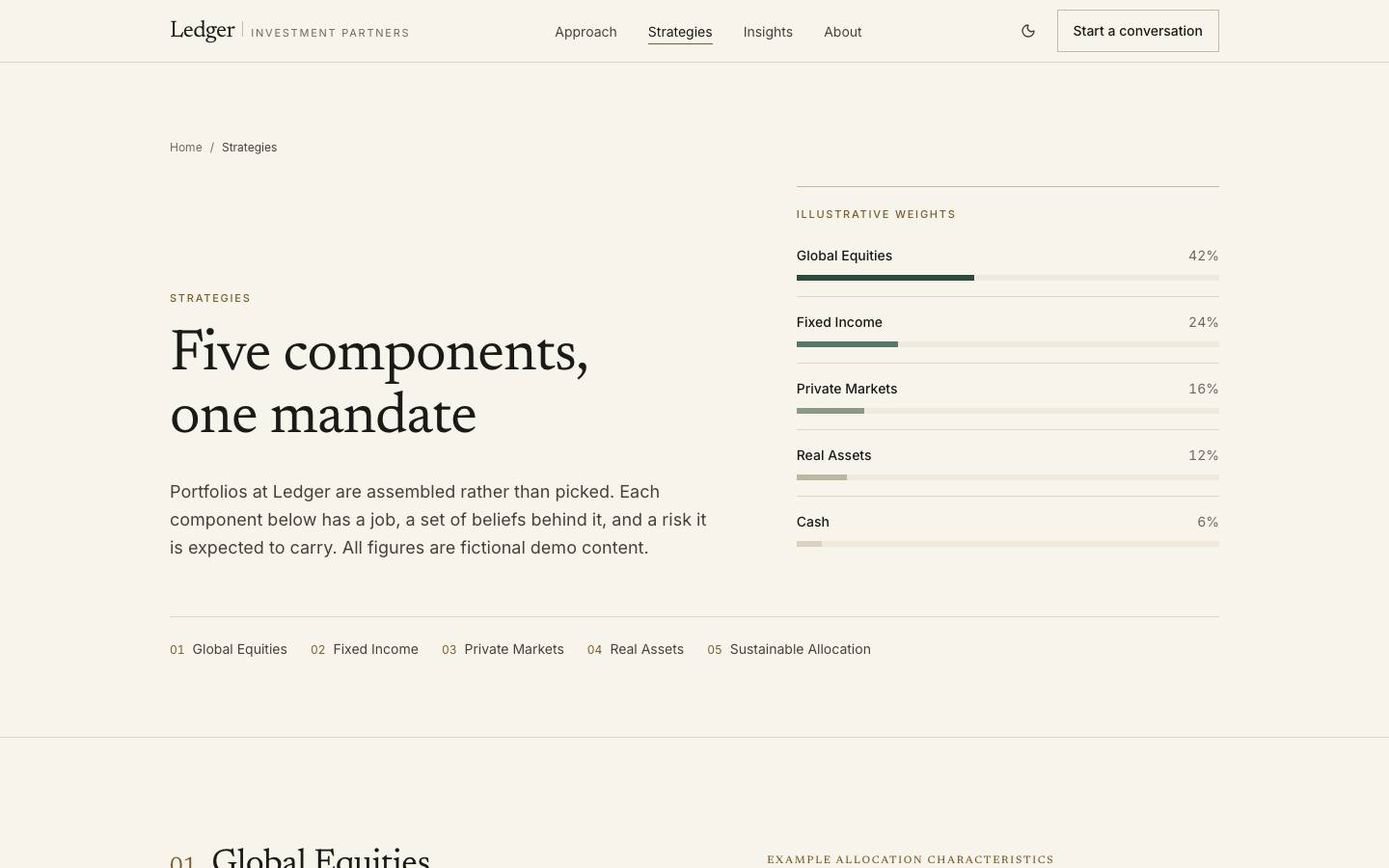
Ledger is a wealth and investment management template built on restraint. There are no upward-sloping graphs and no performance claims: the allocation is labelled illustrative, the convictions are stated as convictions, and the call to action is a conversation rather than a sign-up. That is what a firm selling long-horizon judgement actually needs, and it is the hardest thing to retrofit onto a template designed to convert.
Global equities, fixed income and private markets, each explained rather than charted — and labelled illustrative throughout.
A stated investment philosophy with the four positions the firm does not trade away.
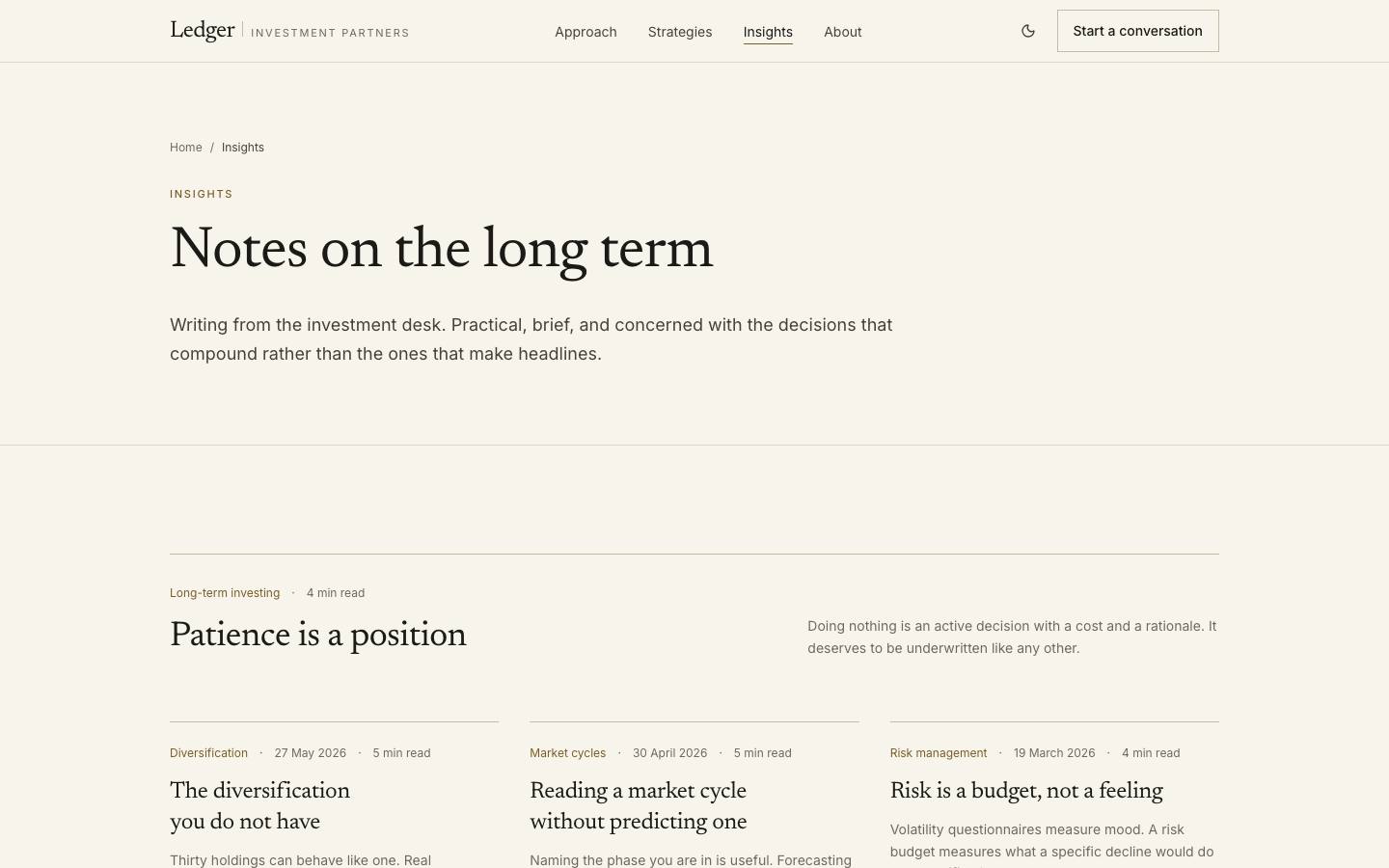
Long-form notes with a shared article shape, so a market comment and a client letter render identically.
A small-team page and an enquiry route that opens a conversation instead of a funnel.
Every line above is read from this product’s own licence and release record rather than written beside it, so it cannot promise something the release does not contain.
Strategies, convictions, allocation bands and desk notes are typed modules rather than page markup, so an investment team can change what the firm says without a developer touching a layout. Long-form insight pages share one article shape with the home page teasers.
ledger/
├── app/
│   ├── page.tsx
│   ├── approach/page.tsx
│   ├── strategies/page.tsx
│   ├── insights/[slug]/page.tsx
│   └── about/page.tsx
├── components/
└── content/The archive contains the full source. There is no installer and no post-install script.
unzip ledger.zip
cd ledgerpnpm installCopy the example file and fill in the variables listed under Environment variables.
cp .env.example .envpnpm devRuns formatting, lint, type-check, tests and a production build.
pnpm check| Variable | Required | Description |
|---|---|---|
DATABASE_URL | Required | PostgreSQL connection string. Use a pooled endpoint in serverless environments.postgresql://user:pass@localhost:5432/app |
NEXT_PUBLIC_APP_URL | Required | Absolute origin of the deployment. Used for canonical URLs and metadata.https://app.example.com |
LOG_LEVEL | Optional | debug | info | warn | error. Defaults to info in production. |
Zero-config. Set the environment variables listed above and connect the repository.
A multi-stage Dockerfile is included, producing a standalone image with no build toolchain.
Builds to a standard Node server. Nothing depends on a platform-specific runtime.
| Technology | Versions | Status |
|---|---|---|
| Next.js | ≥ 15 | Supported |
Initial commercial release
Initial commercial release
Documentation ships with the first release.
No, and the template says so on the page. Every allocation and return figure is illustrative sample content, positioned so that replacing it does not break the layout — and so that shipping it unchanged is obvious rather than accidental.
Curated by us, not inferred — these are the ones that genuinely pair with it.
Products that share a framework with this one.